
Appearance
Sale Stats
Menu: Commerce -> Sale Stats
Deep link:/_Admin/commerce/sale-stats?SiteId={siteGuid}
View site commerce sales reports by date range (read-only; does not modify order data). Top Date range defaults to last month through today; three tabs share the same range; changing dates reloads each tab.
Permission
Menu permission is saleStats (view). Enable Commerce -> Sale Stats (and parent Commerce) in Edit menu.
How to Open
- Enable Commerce -> Sale Stats in Edit menu.
- Open Commerce -> Sale Stats in the left sidebar.
Date Range
Top-right Date range (daterange): select start and end dates. On change, current tab calls load(1) and resets to page 1.
Product Stats
Default tab (UI label Product sales report, ProductStats).
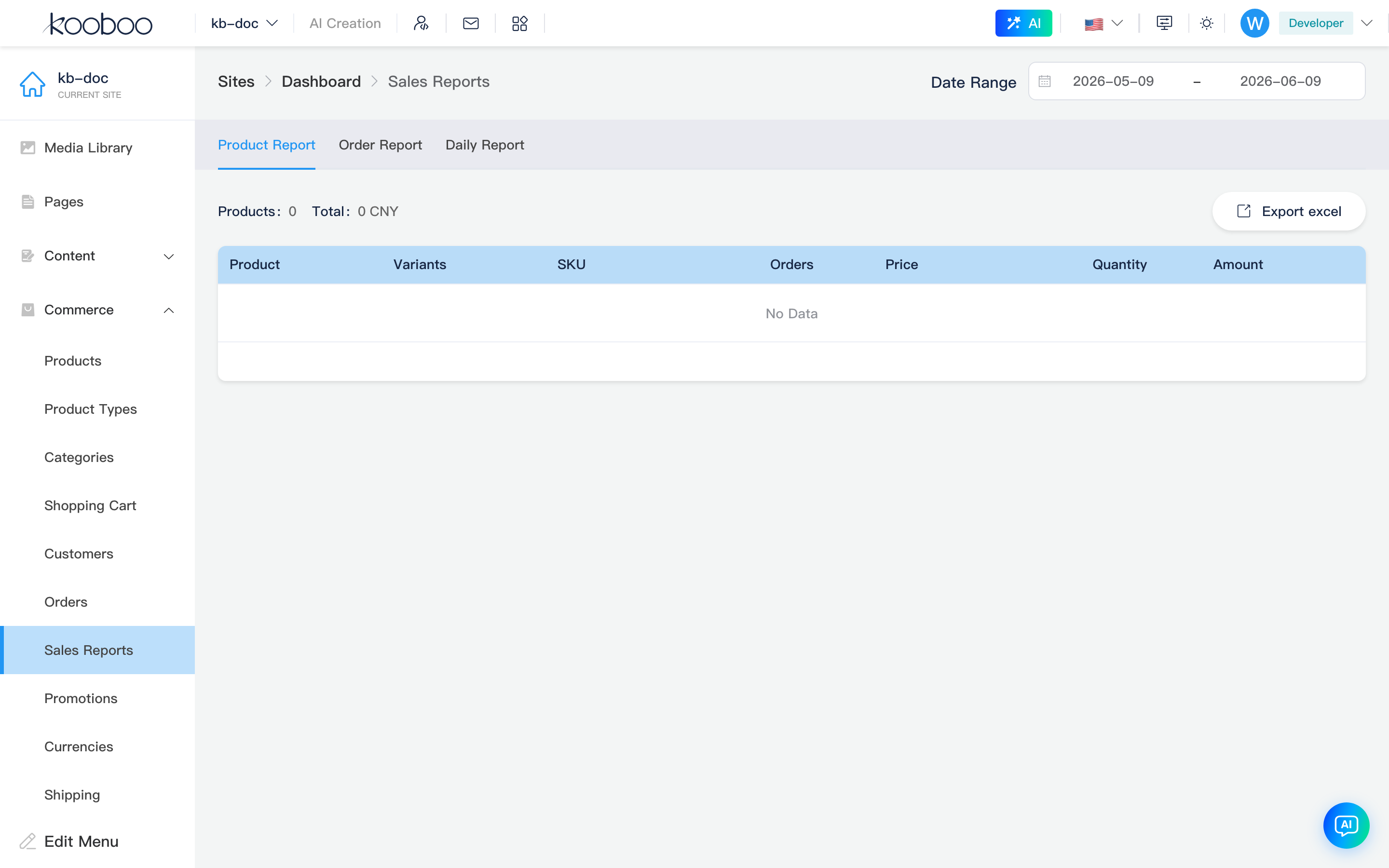
Summary
| Item | Description |
|---|---|
| Products | Product count in range (product) |
| Total amount | Sales total (amount, CurrencyAmount) |
Table
| Column | Description |
|---|---|
| Product | Product name |
| Variant | Variant/option display (options) |
| SKU | |
| Order count | Related order count |
| Price | Average price avgPrice |
| Quantity | Sales quantity |
| Amount | Line sales amount |
| Action | Description |
|---|---|
| Export Excel | Export by current date range (generateProductSaleStats → download) |
| Pagination | 30 rows per page by default |
Order Stats
Tab: Order detail report (OrderStats).
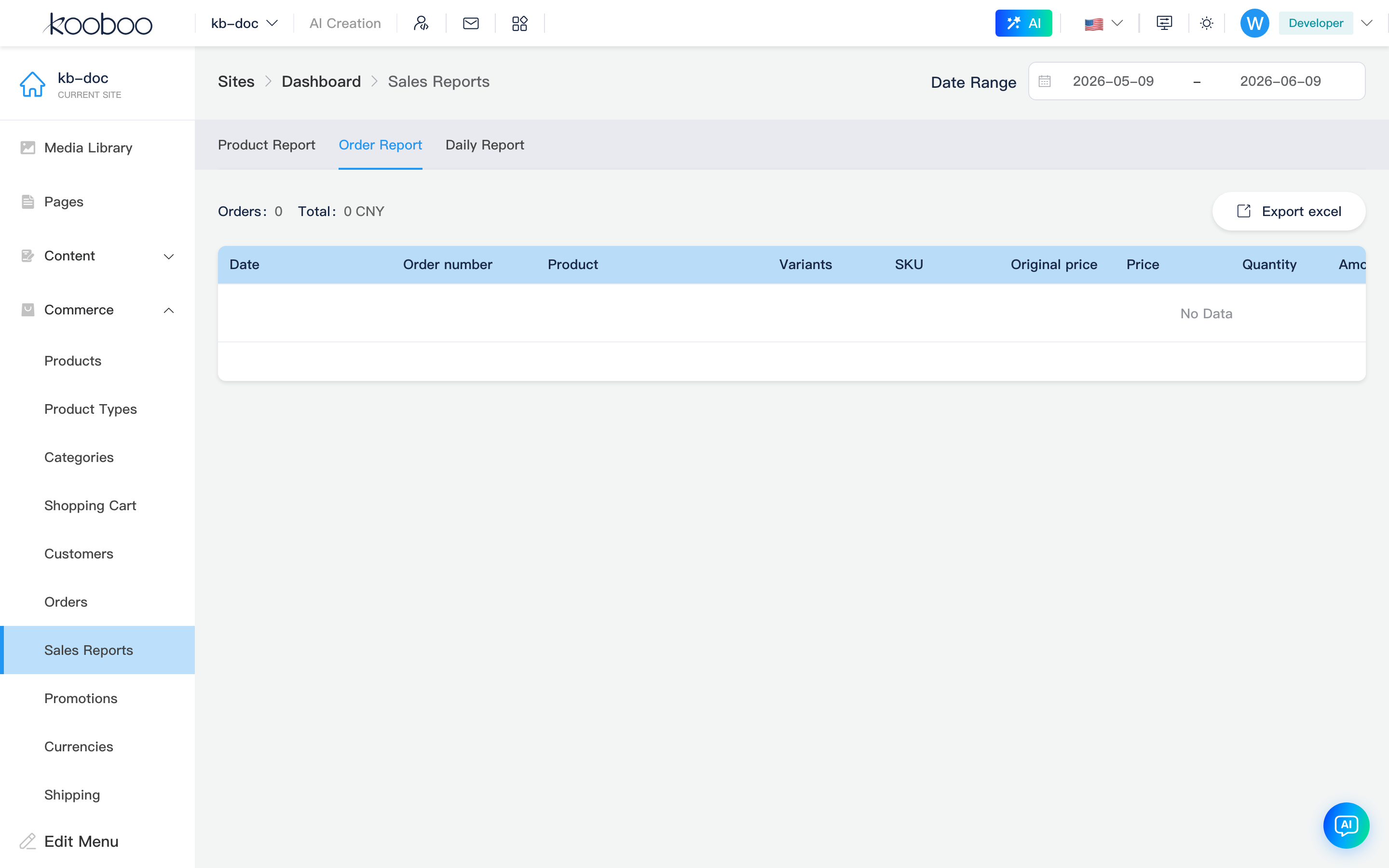
Summary
| Item | Description |
|---|---|
| Orders | Order count (order) |
| Total amount | Total amount |
Table
Expanded by paid order lines; columns dynamically generated from product field model, commonly:
| Column | Description |
|---|---|
| Date | paidAt payment time |
| Order ID | orderId |
| Product | Line product name |
| Variant / SKU | |
| Original / Price / Qty / Amount | |
| Payment method | |
| Address / Phone / Customer | Order snapshot info |
| Note | Order note |
Supports Export Excel, pagination (30 per page).
Daily Stats
Tab: Daily sales report (DailyStats).
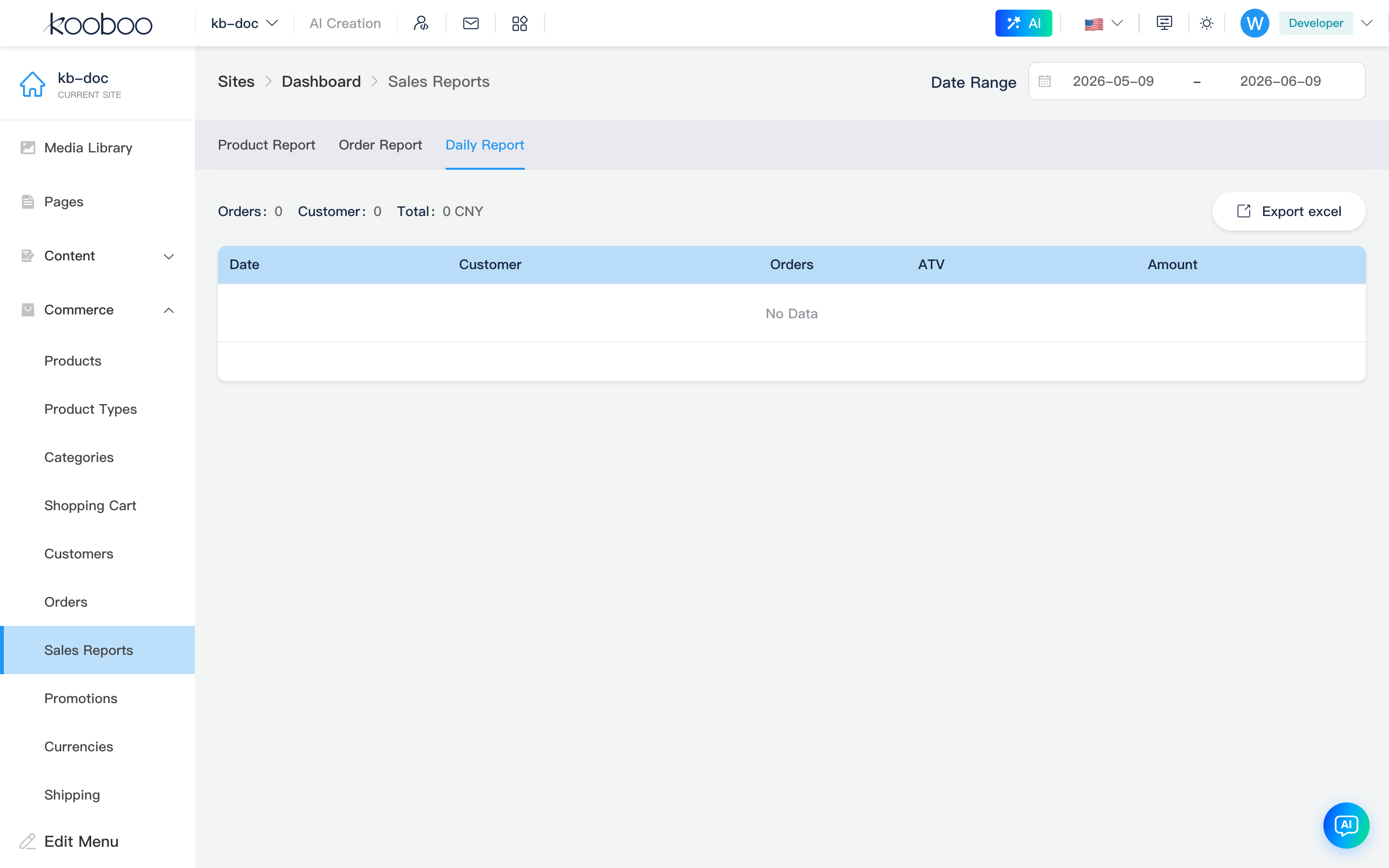
Summary
| Item | Description |
|---|---|
| Orders | Total orders in range |
| Customers | Ordering customer count (customer) |
| Total amount | Sales total |
Table
| Column | Description |
|---|---|
| Date | Aggregated by day |
| Customers | Customers ordering that day |
| Order count | Orders that day |
| ATV | Average order value atv |
| Amount | Daily sales |
Supports Export Excel, pagination.
Data Notes
- Stats from site completed/paid order data (same business scope as admin orders list; per server
SaleStatsAPI). - Multi-currency sites display per API amounts; related to currencies settings.
- This page is query and export only; cannot modify orders or refunds here.