
Appearance
Create a Site
Create a site from My Sites: blank site, import package, or clone an existing site.
Prerequisite
Complete Login and site list first. If you start site creation while you are inside a folder, the new site is added to that folder automatically.
Open the Creation Flow
- From My Sites, click Create Site.
- The URL changes to
/_Admin/create. - The left side shows the form for the current creation mode, and the right side shows the list of alternative creation modes.
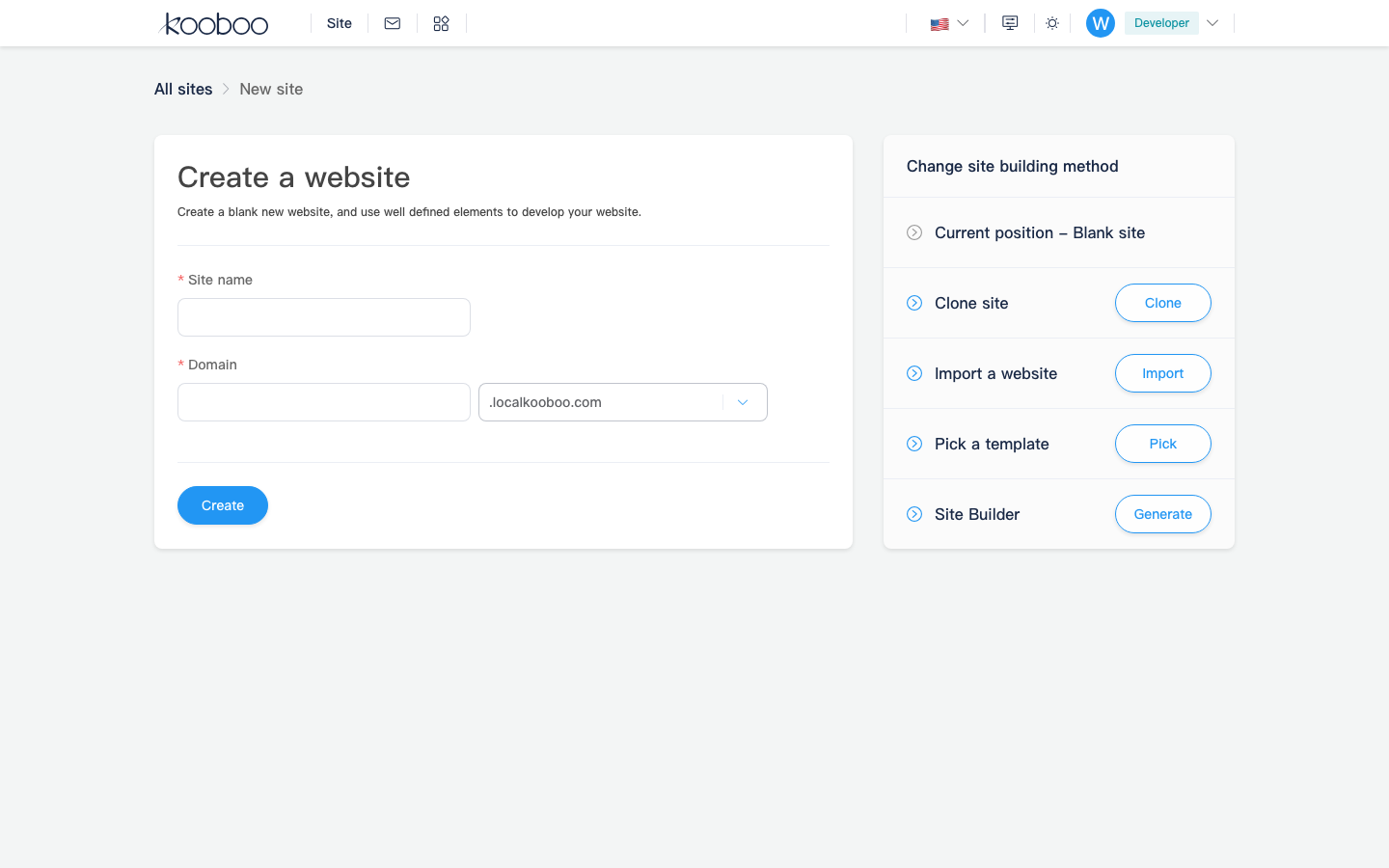
Creation Modes
| Mode | Route | Typical use |
|---|---|---|
| Blank Site | /_Admin/create | Start from scratch with your own site name and default domain |
| Clone Site | /_Admin/create/clone | Copy an existing site or clone from a remote source |
| Import Site | /_Admin/create/import | Upload a Kooboo site package or a standard HTML package |
| Pick Template | Redirects to the template marketplace | Create from an existing template |
Blank Site
Blank site creation is the default mode.
- Enter the Site Name.
- Enter the Domain: subdomain plus the platform-provided root domain.
- Click Start Creating.
- After creation finishes, return to My Sites and click Manage on the new site.
TIP
Creating a blank site does not automatically open the site admin. Enter the site from the list after creation.
Import Site
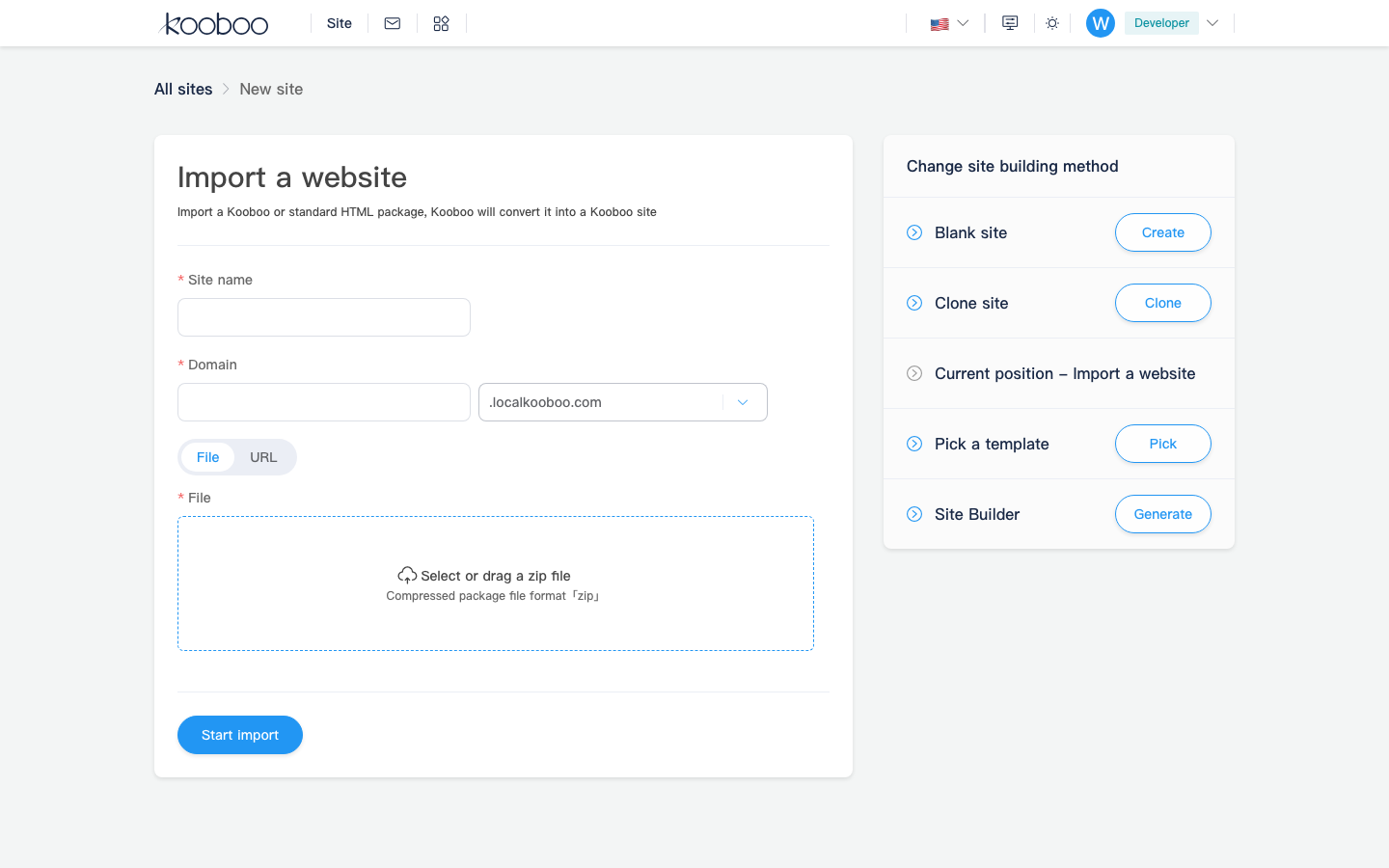
- Switch to Import Site to open
/_Admin/create/import. - Upload a
.zippackage. - Depending on the package type, Kooboo imports the exported site or converts a standard HTML package into a Kooboo site.
Clone Site
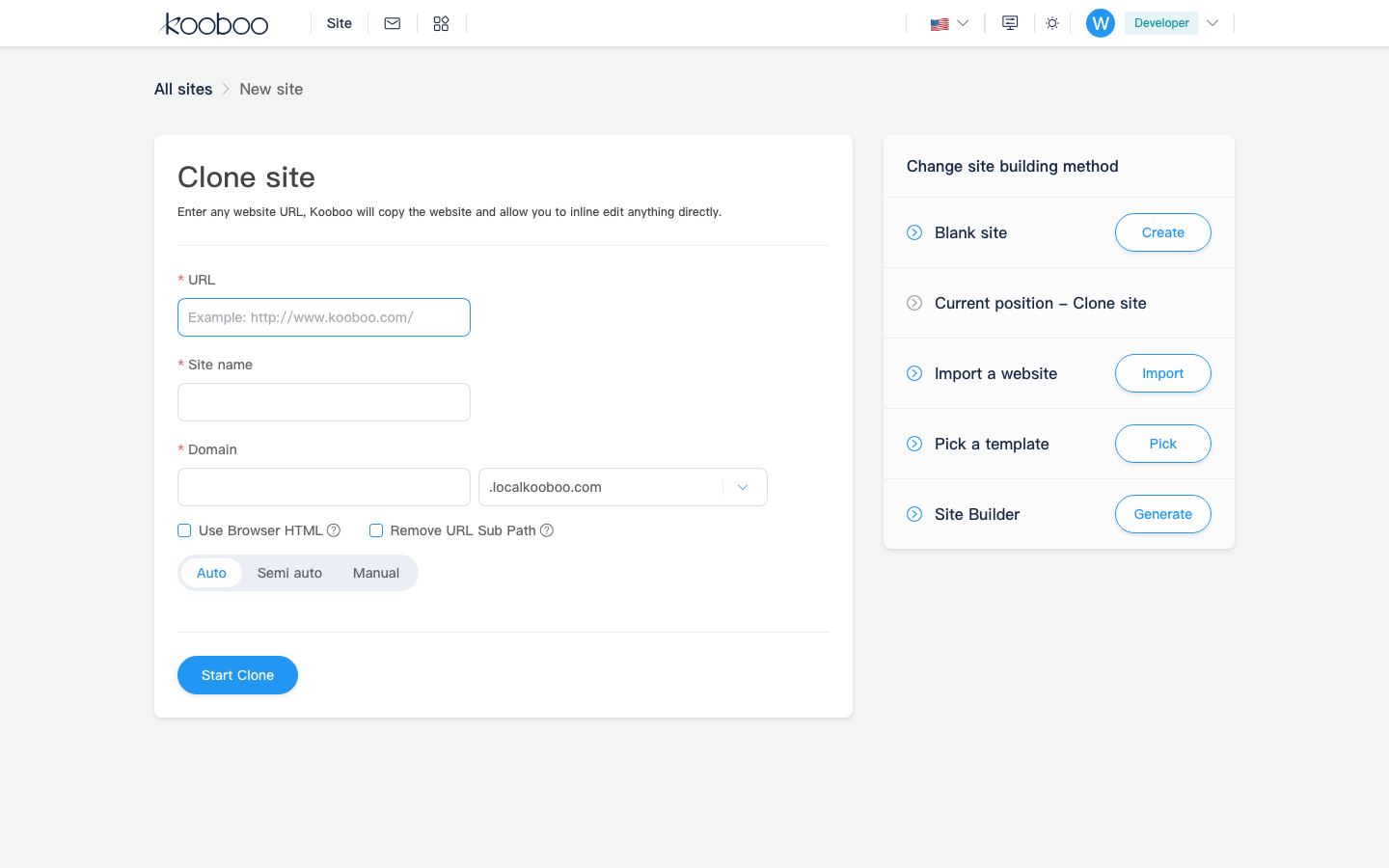
- Switch to Clone Site to open
/_Admin/create/clone. - Select the source site or enter the clone source required by your environment.
- Confirm the form to create a new copy in My Sites.
Recommended Next Steps
After you enter the site admin (/_Admin/site?SiteId=...), a practical order is:
Quick Links
| Page | Route |
|---|---|
| My Sites | /_Admin/ |
| Create site | /_Admin/create |
| Import | /_Admin/create/import |
| Clone | /_Admin/create/clone |
| Site dashboard | /_Admin/site?SiteId={siteGuid} |