
Appearance
URL
Menu: Development → URL
Deep link:/_Admin/development/urls?SiteId={siteGuid}
Manage site access paths and route mappings: internal URLs (pages, views, route aliases, etc.), external URLs (paths to external or remote resources), and not found addresses visitors hit without configuration. Works with the page tree paths.
Permissions
Menu permission: link (view). Create alias, edit internal/external URLs require link·edit; delete internal vs external controlled separately (internal delete link·edit, external delete link·delete).
How to Open
- In Edit Menu, enable Development → URL.
- Open Development → URL in the left sidebar.
Default Internal tab.
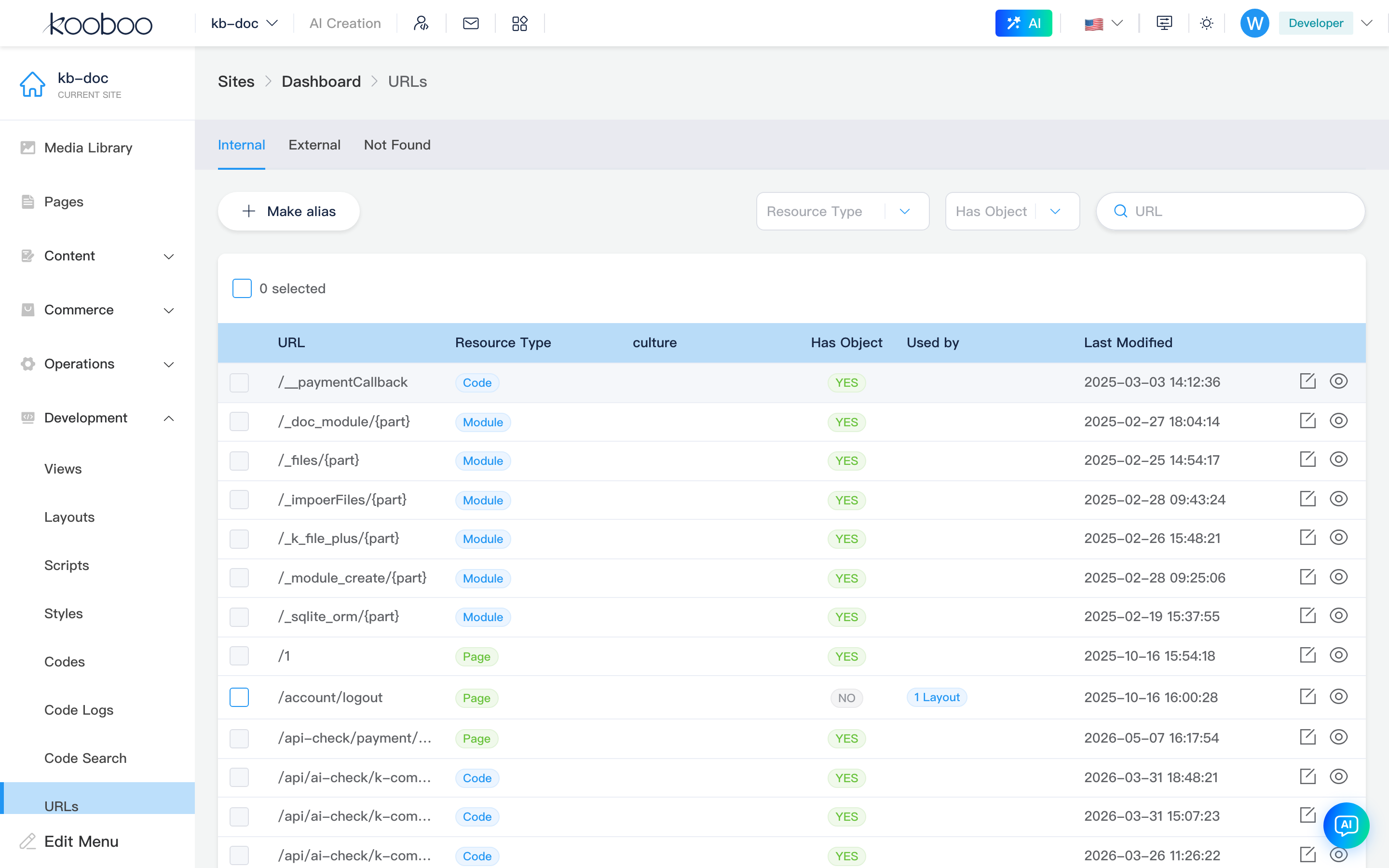
Tabs
| Tab | Description |
|---|---|
| Internal | URLs for in-site resources (pages, route aliases, views, etc.) |
| External | URLs mapping to external Script / Style / images, etc. |
| Not found | Paths visitors requested that are not configured; Create alias from here |

Internal tab
Toolbar
| Control | Permission | Description |
|---|---|---|
| Create alias | link·edit | Open create alias dialog, assign redirect target for any URL |
| Resource type | — | Filter resourceType |
| Object exists | — | Whether bound to site object (yes/no) |
| URL search | — | Path keyword; Enter or search button refreshes |

List table
Paginated (30 per page).
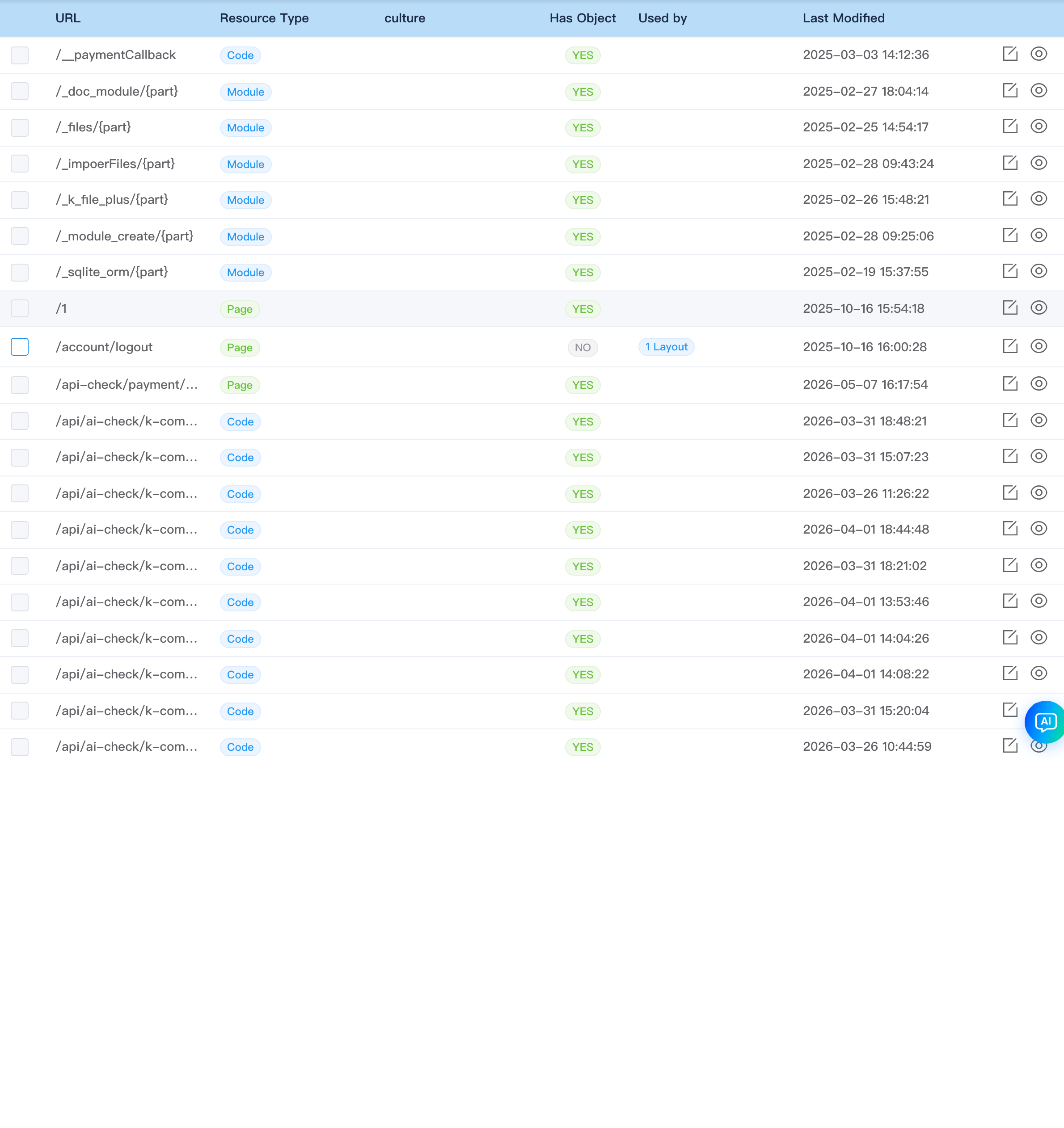
| Column | Description |
|---|---|
| URL | Access path |
| Resource type | e.g. Page, View, Route |
| Language | culture |
| Object exists | Whether object is linked |
| Referenced by | Reference relationships |
| Last modified | Save time |
| Actions | Edit, Preview |
Rows with bound object and type not Route cannot be batch-deleted (avoid removing active mappings).
Supports multi-select delete (link·edit).
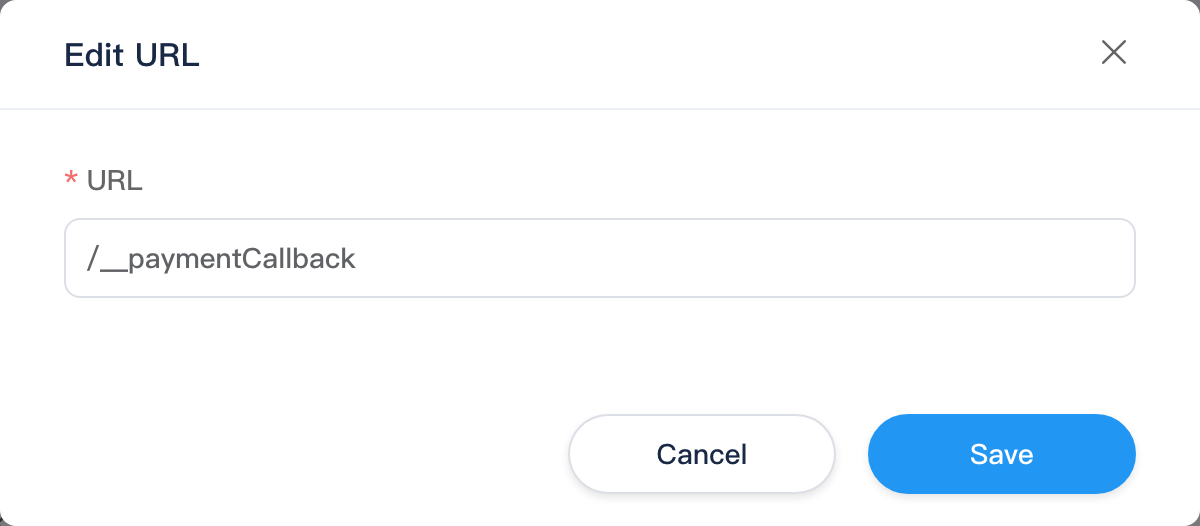
Edit internal URL dialog
Row Edit (title Edit URL):
| Field | Description |
|---|---|
| URL | Path, spaces stripped automatically |
| Redirect to | Only when resource type is Route: pick target route; parameters tags shown below |
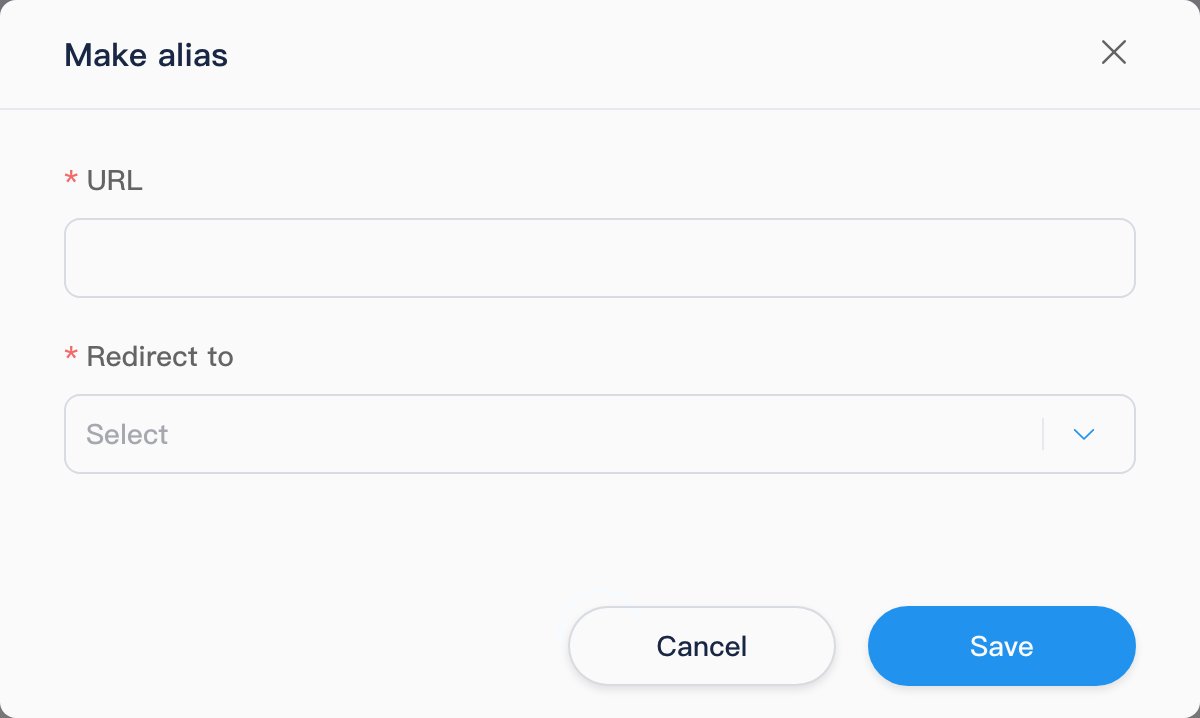
Create alias dialog
Create alias or Not found tab Create alias use the same dialog:
| Field | Description |
|---|---|
| URL | Alias path (from not-found tab pre-fills visitor URL) |
| Redirect to | Pick existing route; parameters tags after selection |
External tab
Filters
Resource type, URL keyword (no Create alias button).

List table
| Column | Description |
|---|---|
| URL | External path |
| Resource type | e.g. Script, Style, Image |
| Referenced by | Reference relationships |
| Last modified | Save time |
| Actions | Edit, Convert to internal (Script / Style / Image only), Preview |
Convert to internal moves external mapping under site internal management (success toast "Converted to internal resource"). Multi-select Delete requires link·delete.

Edit external URL dialog
Row Edit (title Edit URL): only URL path editable, no Redirect to (unlike edit internal URL dialog).
Not found tab
Shows failed visitor paths (by time).
| Column | Description |
|---|---|
| URL | Requested address |
| Date/time | startTime |
| Actions | Create alias (link·edit), opens create alias dialog with URL prefilled |

Related
| Doc | Description |
|---|---|
| Development overview | Development menu index |
| Pages | Page paths and publish |
| Views | View routes |
| Code | API paths (Code type URL) |