Appearance
Site Logs
Menu: Operations Center -> Site Logs
Deep link:/_Admin/system/site-logs?SiteId={siteGuid}
Site logs track content and resource changes across a site: who changed what, when it happened, and which version was affected. You can review versions, compare differences, restore past states, export changes, and sometimes replay recorded editing videos.
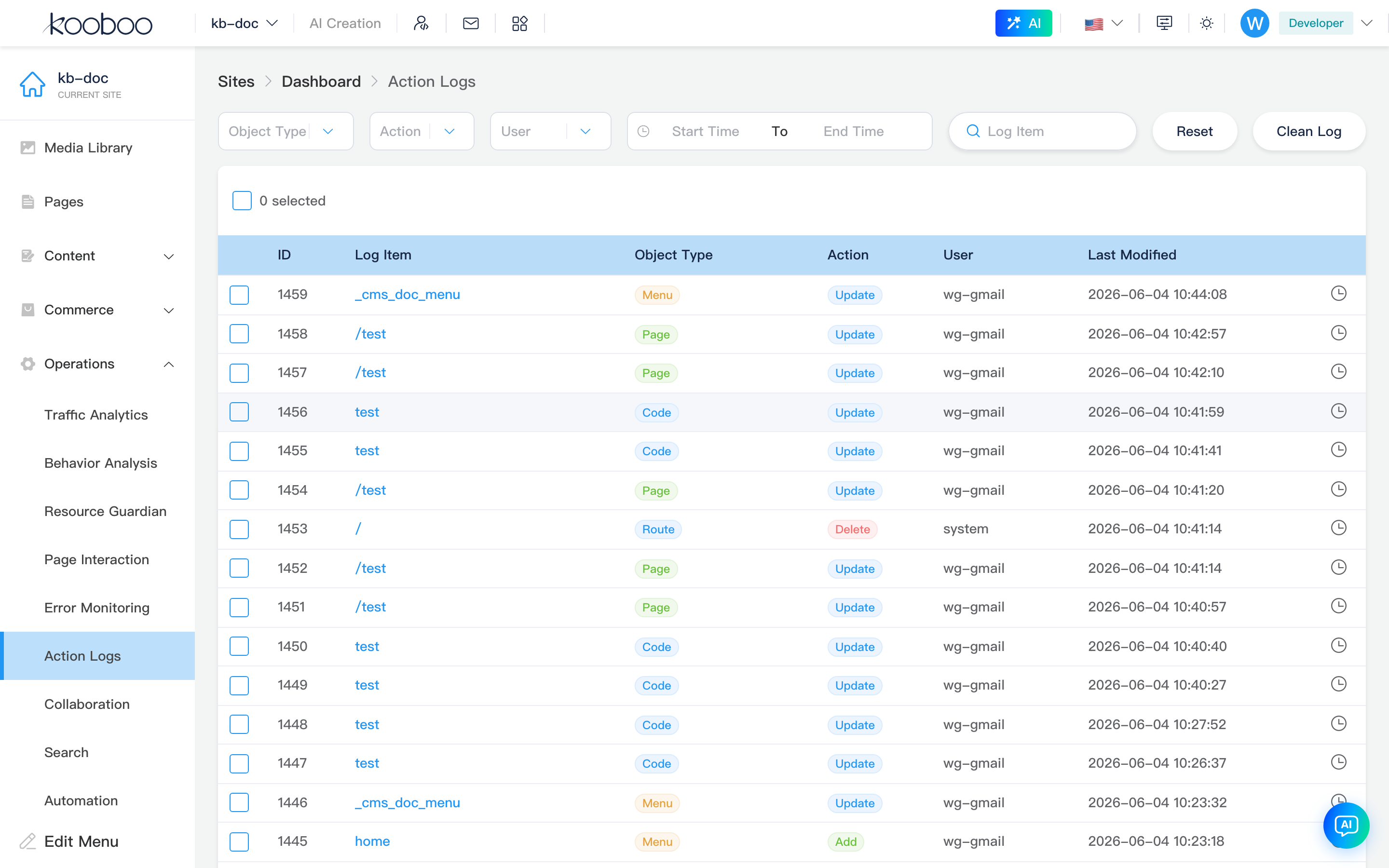
Filters
| Control | Description |
|---|---|
| Object type | Store name such as page, view, or content |
| Action | Add, update, delete, and similar actions |
| User | Admin user who made the change |
| Time range | Start and end date-time |
| Log item | Search by object name |
| Reset | Clear filters |
| Clear logs | Start a cleanup task for historical logs |

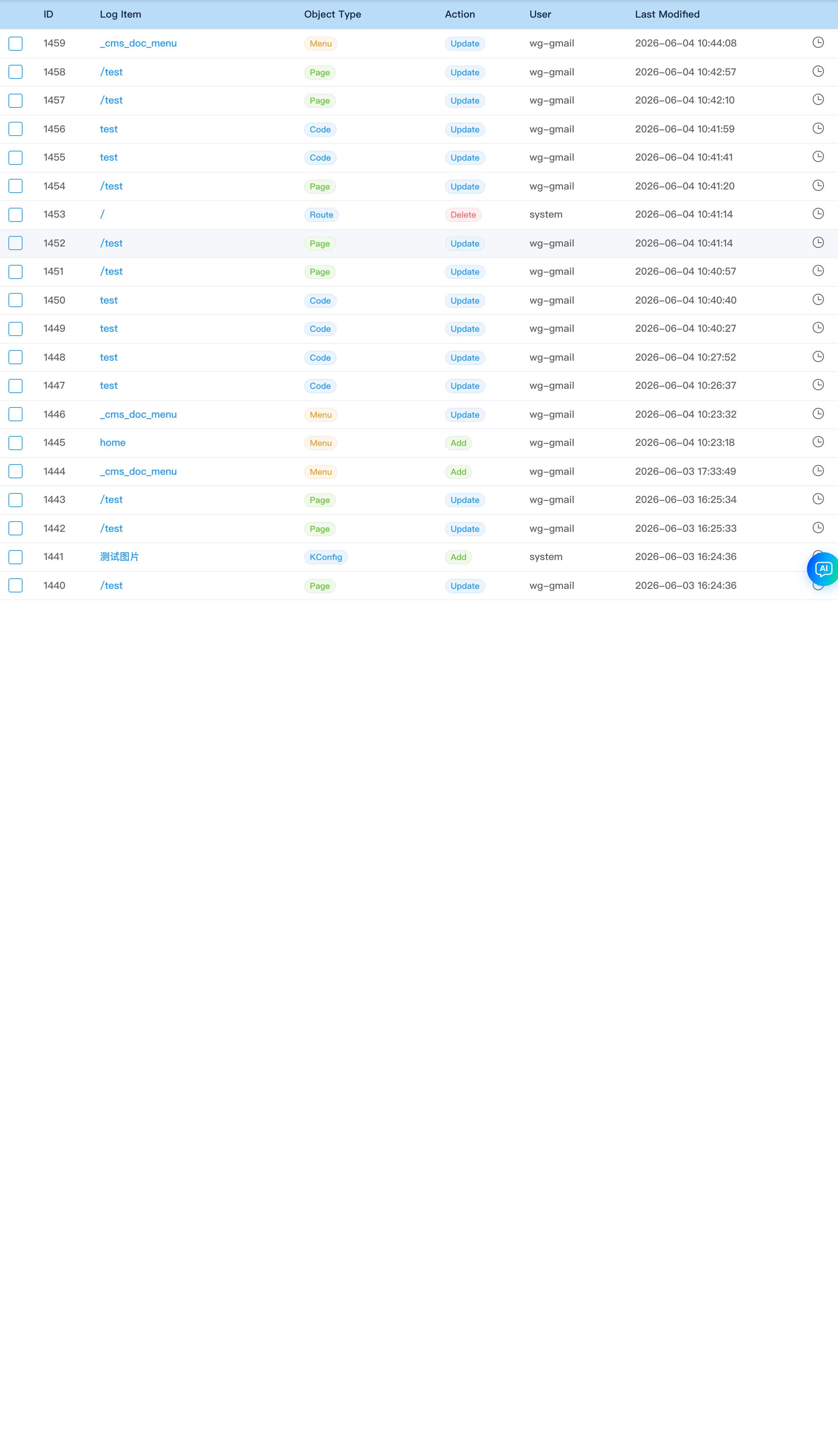
Log list
| Column | Description |
|---|---|
| ID | Log record id |
| Log item | Object display name; click it to open versions |
| Object type | Store type |
| Action | Change type |
| User | Operator |
| Last modified | Last modification time |
| Actions | Replay video or open version history |
Batch actions
| Button | Description |
|---|---|
| Undo Changes | Revert the selected changes |
| Restore | Restore one selected log point |
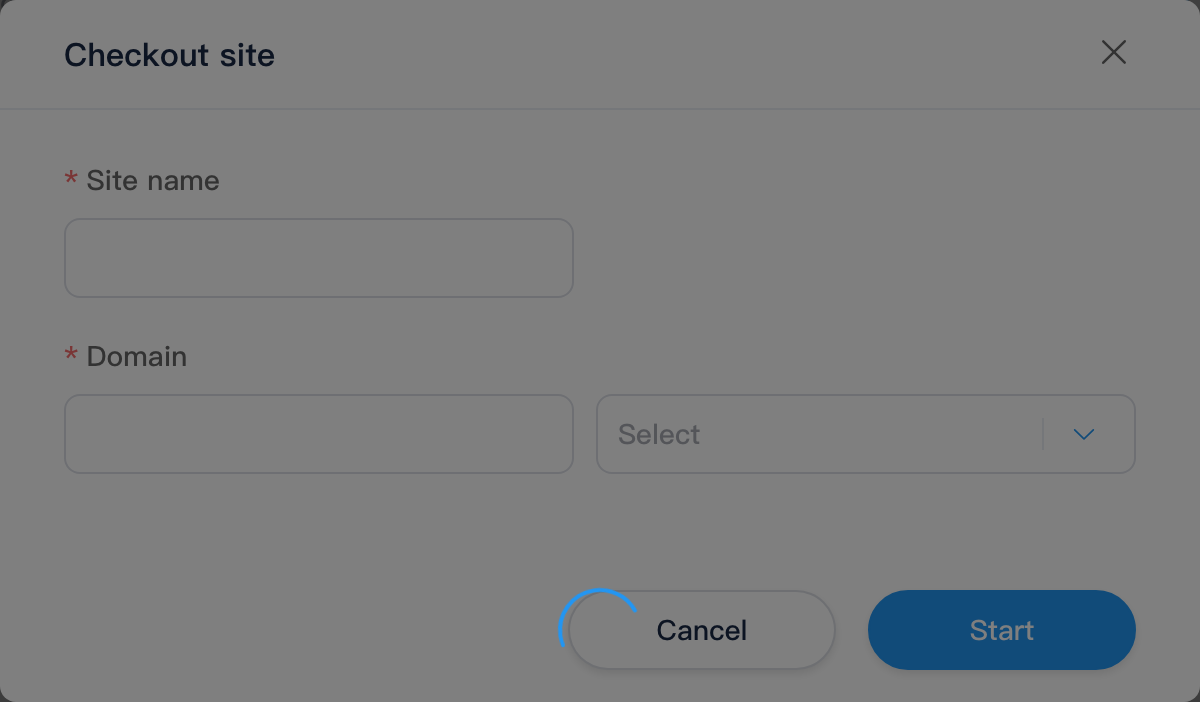
| Checkout | Create a new site from one selected version |
| Export Changes | Export the selected change package |
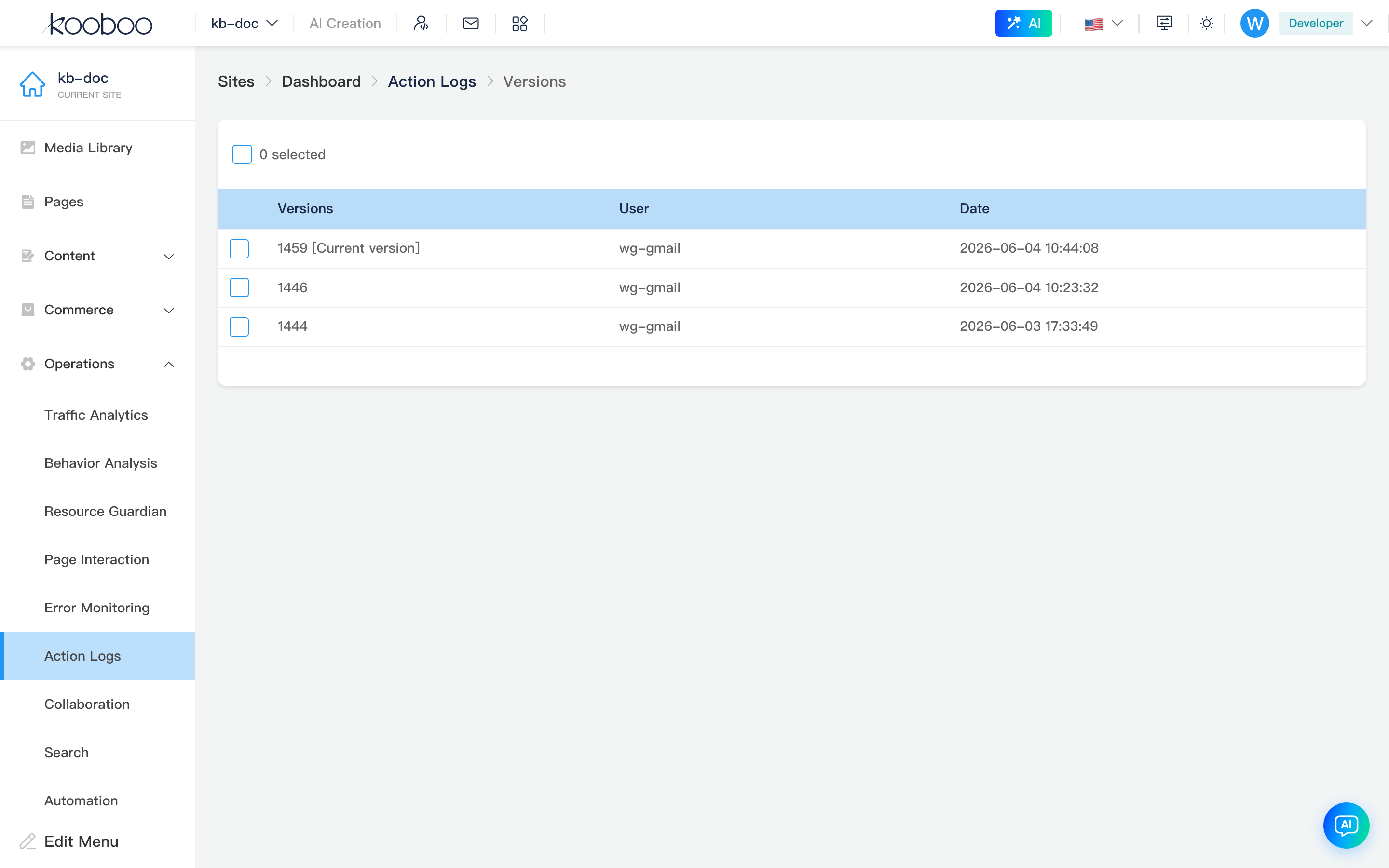
Version history
Route: /_Admin/system/site-logs/versions?...
This page lists version history for one object and lets you revert, compare with current, compare two versions, or replay a video when available.
Version compare
Route: /_Admin/system/site-logs/version-compare?...
Kooboo opens a Monaco diff view or image diff for the selected versions.