
Appearance
HTML Blocks
Menu: Content → HTML Blocks
Deep link:/_Admin/content/htmlblocks?SiteId={siteGuid}
Edit:/_Admin/content/htmlBlock/edit?SiteId=...&id={blockId}(noidwhen creating)
HTML blocks (HtmlBlock) let you maintain a reusable HTML block in the admin for use across multiple Pages, Layouts, and Views. The front end renders the version for the current site language, avoiding copy-paste of the same footer, promo bar, etc.
Difference from View and Labels
| HTML blocks | View | Labels | |
|---|---|---|---|
| Admin menu | Content → HTML Blocks | Development → View | Content → Labels |
| Content shape | Rich text/HTML block | Template fragment (often with bindings) | Short string copy |
| Template reference | <htmlblock id="..."> | <view id="..."> | k.label() |
Prerequisite: multilingual (optional)
Same as labels: if the site has multiple languages, the edit page provides a Content field per language; configure languages under Site settings → Basic first. Single-language sites show one Content area.
How to Open
- Enter the site admin (address bar includes
SiteId). - Open Content → HTML Blocks in the left sidebar.
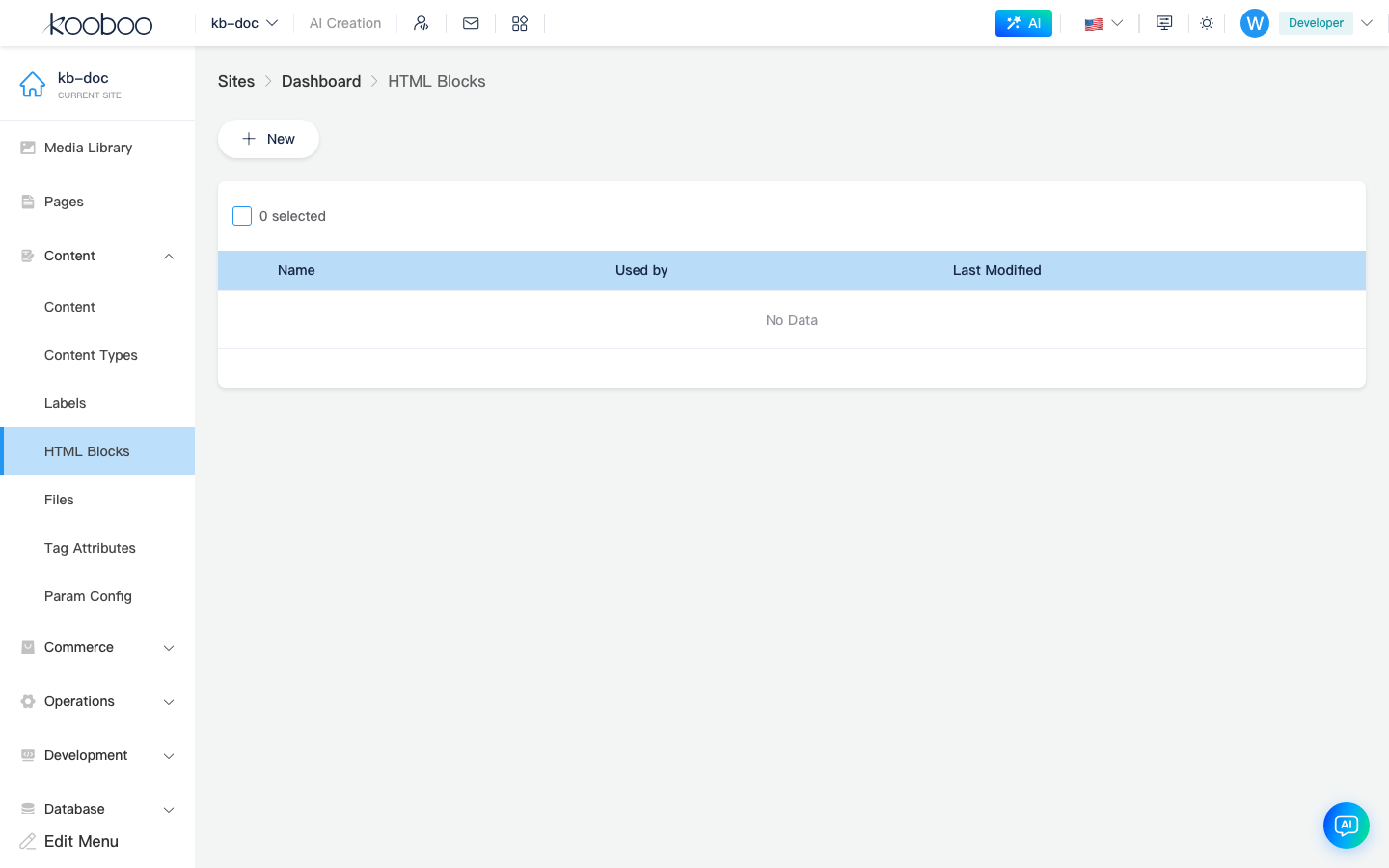
List Page
| Column / action | Description |
|---|---|
| Name | Block identifier, same as template id; English recommended, e.g. footer_links, promo_banner |
| References | Which Page / Layout / View resources reference it (click to view) |
| Last modified | Update time |
| Edit | Open edit page |
| Version | Version history (when site log permissions allow) |
Toolbar New opens edit page (no id). Multi-select rows for batch delete (permission htmlBlock · delete).
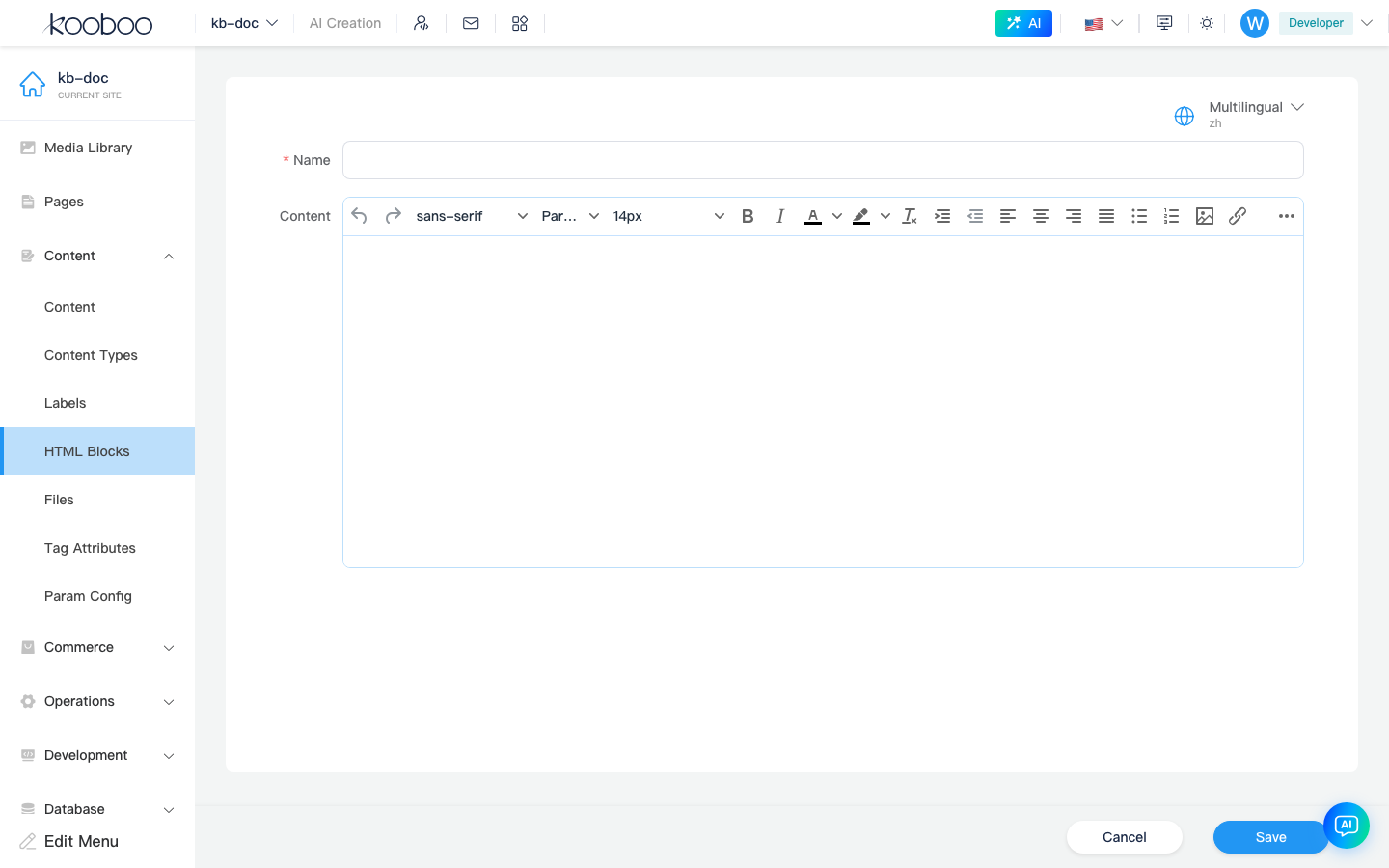
Edit Page
Full-screen form with bottom Save / Cancel.
| Field | Description |
|---|---|
| Name | Enter when creating; must be unique, 1–50 characters, valid resource naming; cannot rename after save (read-only when editing) |
Content · {language} | One row per enabled language; rich text/HTML editor (KEditor) for that language’s HTML |
| Language selector | Top-right switches editing focus (language fields still listed per language) |
Prompts before leaving if there are unsaved changes.
Reference in Templates
Block name matches id / binding value below (case per site resource names):
Tag form (common)
In Page, Layout, or View HTML:
html
<htmlblock id="footer_links"></htmlblock>Binding attribute
Rendering binding (maps to engine k-htmlblock / v-htmlblock):
html
<div k-htmlblock="footer_links"></div>Renders HTML for the block in the current request language; missing block behavior follows the engine (check resource name in development).
With Layout placeholders
Blocks often sit inside Layout <placeholder> or alongside <view> for site-wide footers, sidebar notices, etc. Page structure: Template Engine · Page.
Other Entry Points
| Scenario | Description |
|---|---|
| Inline edit | If “Edit HTML blocks” is enabled, select a bound block on preview, edit via context menu/toolbar (refresh preview after save) |
| Page tree | In Pages page tree view, convert selected node to HTML block (create new or merge into existing block) to extract repeated DOM |
| Development · Code search | Can jump to block edit page |
Related
| Doc | Description |
|---|---|
| Content overview | Content group menu |
| Labels | Multilingual short copy |
| View | Reusable view fragments |
| Inline edit | Visual front-end block editing |
| k.utils.inlineHtml | Inline external resources into HTML export (unrelated to HtmlBlock admin) |