
Appearance
Integrations · OAuth2
Group: OAuth2
Deep link:/_Admin/system/config?SiteId={siteGuid}&group=OAuth2
The OAuth2 group configures third-party social/platform login (AppId, Secret, callbacks, etc.). After save, the front end completes authorization via Kooboo OAuth callback routes; dialog Alert often shows callback URL to register at the provider (e.g. {BaseUrl}_api/oauth2callback/GoogleLogin).
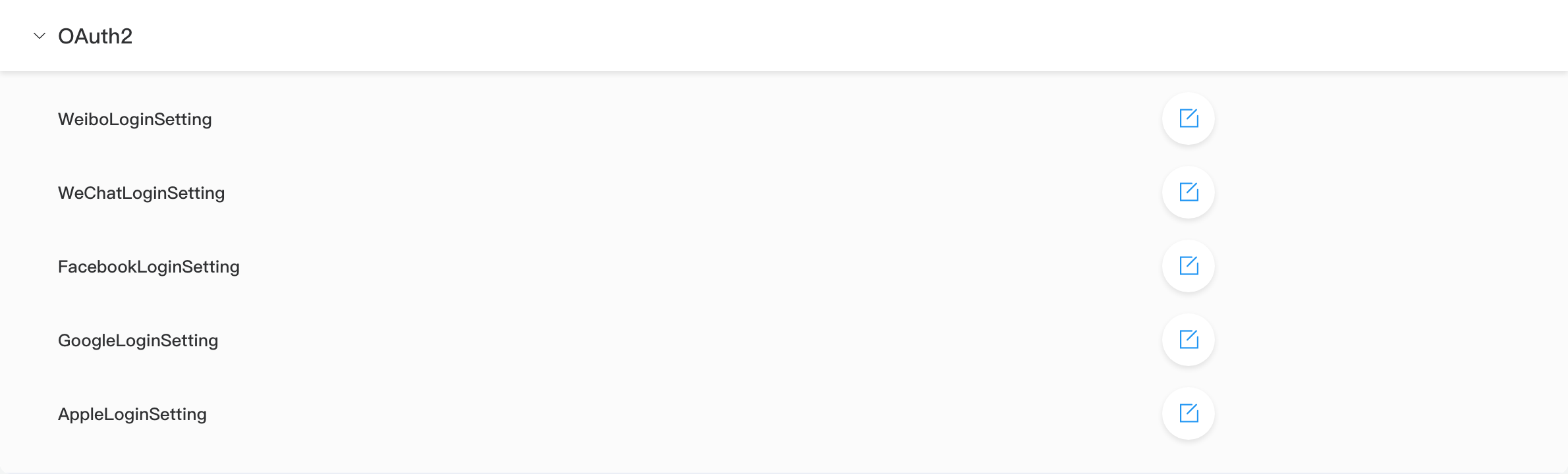
Integration Items
| Name | Description |
|---|---|
| GoogleLoginSetting | Google login |
| FacebookLoginSetting | Facebook login |
| WeChatLoginSetting | WeChat login |
| WeiboLoginSetting | Weibo login |
| AppleLoginSetting | Apple login |
Some items include CallbackCodeName etc. for site Code callbacks—per edit dialog.
Distinction from Authentication
| OAuth2 (this page) | Development -> Authentication | |
|---|---|---|
| Purpose | Third-party login authorization config | Request gateway rules (JWT / custom Code) |
| Typical use | “Sign in with Google” | API requires JWT to proceed |
They can work together: OAuth login issues tokens; authentication rules validate later requests.
Admin Steps
- Create app on Google / WeChat etc.; note AppId, Secret.
- Register callback URL from Alert at the provider.
- Edit matching LoginSetting here; save.
- Test login flow from front-end link.
Related
- Integrations overview
- k.security.jwt (JWT validation)