
Appearance
Visitor Logs
Menu: Operations Center → Visitor Logs
Deep link:/_Admin/system/visitor-logs?SiteId={siteGuid}
View site visitor and access data: page views, unique visitors, bot share, trend charts, device and region distribution, source and browser rankings, and the latest visit details. Data comes from visitor log collection (enableVisitorLog); turning off Enable stops collection (written back to site settings immediately).
Permission
Menu permission: visitorLog (view). Enable Operations Center → Visitor Logs in Edit Menu.
How to Open
- In Edit Menu, enable Operations Center → Visitor Logs.
- Open Operations Center → Visitor Logs on the left.
After entry, from top to bottom the main screen shows metric cards, trends and rankings, bot intelligence, device and geography distribution, and more; the sections below explain each block with screenshots.
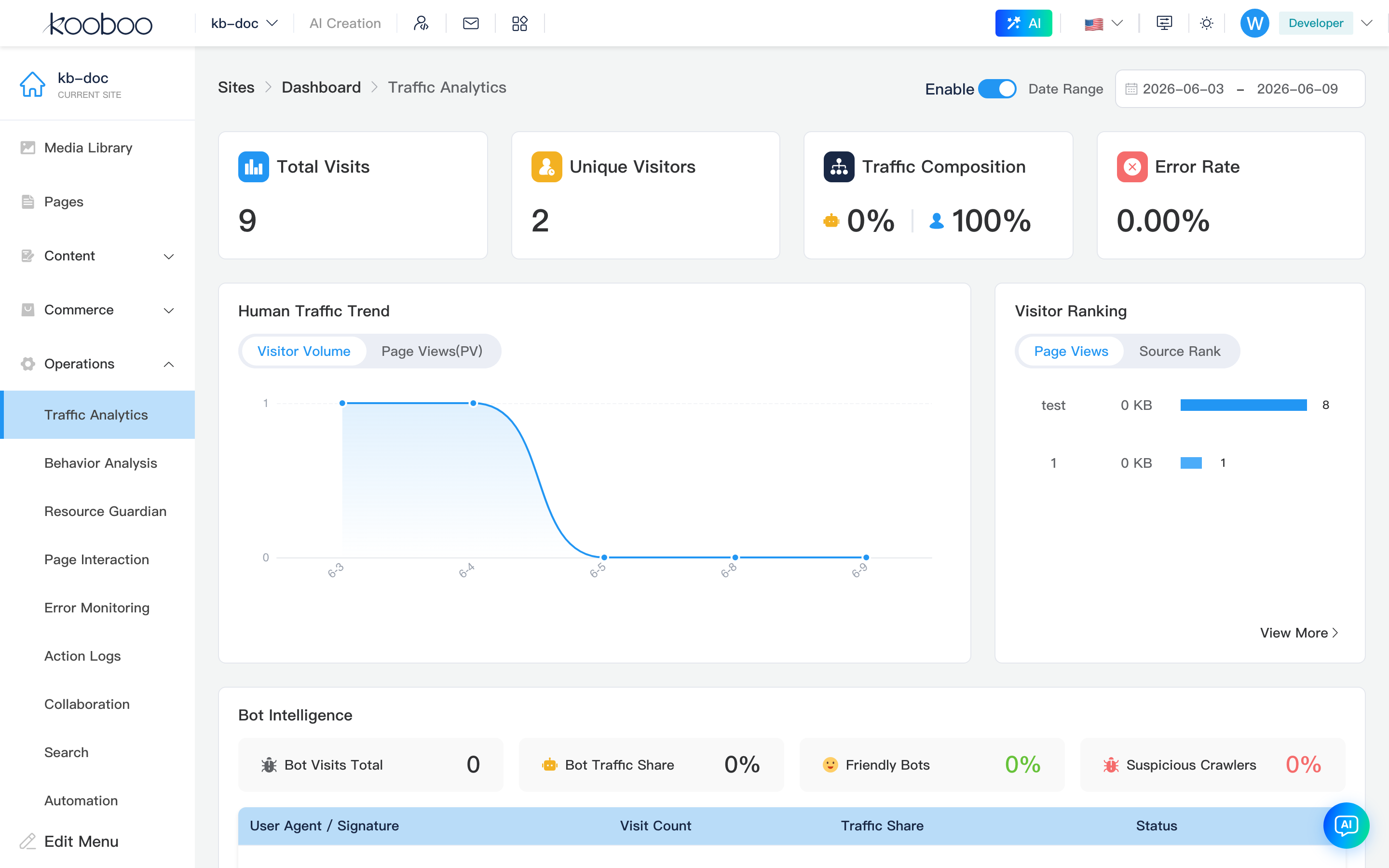
Header
Path: /_Admin/system/visitor-logs?SiteId=...
Breadcrumb is Visitor Logs. Right side has global controls; changing them refreshes all charts and subpage data on this page.
| Control | Description |
|---|---|
| Enable | enableVisitorLog; saveSite immediately on toggle to start/stop collection |
| Date Range | Global daterange (visitorLogDateRange), passed to subpage query (startDate / endDate) |

Overview Metrics (Four Cards)
For the selected date interval, four cards across the top:
| Card | Field | Description |
|---|---|---|
| Total Page Views | pageViews | Total page view count |
| Unique Visitors | uniqueVisitors | Deduplicated visitor count |
| Visitor Mix | machineRate / humanRate | Bot vs human share (icon + percentage) |
| Error Rate | errorRate | Visit error percentage |

Human Traffic Trend and Visitor Rankings
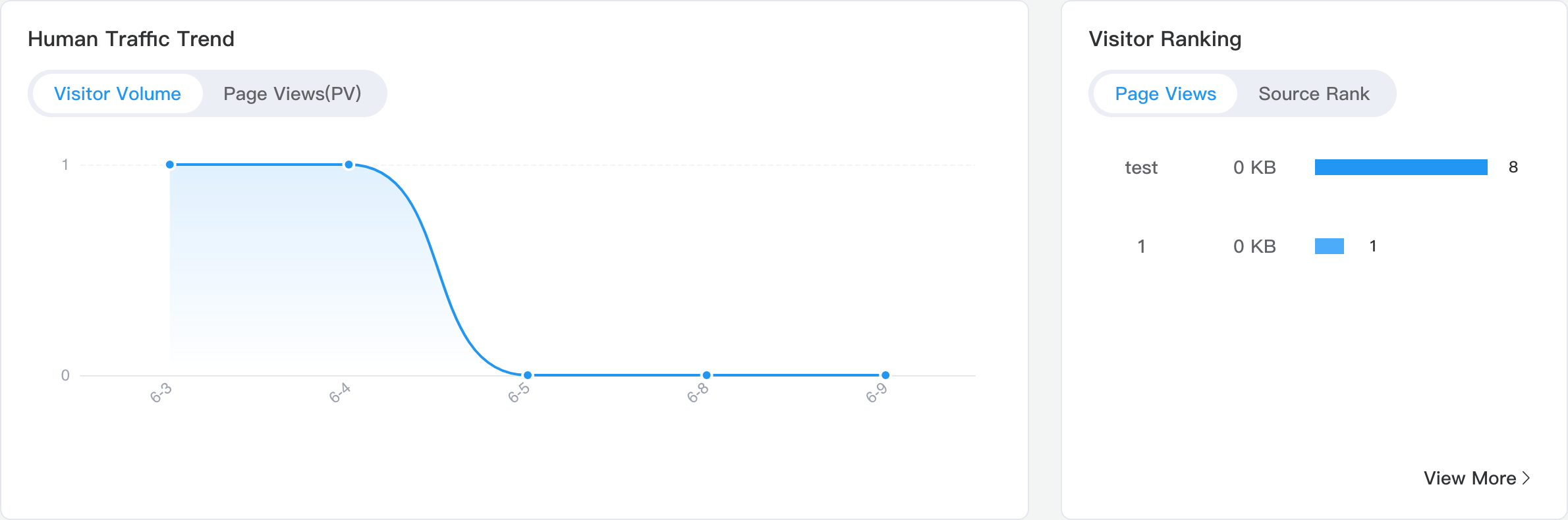
Left/right row: Human Traffic Trend is daily dayInfo line/bar chart, switch Visitors / PV in chart; Visitor Rankings is tabbed bar ranking, main screen shows top 4 per tab.
| Tab | Subpage route name | Description |
|---|---|---|
| Top Pages | top-pages-panel | URL and visit count |
| Top Referrers | top-referer-panel | Referer and visit count |
Bottom-right View More passes current date range to the full list subpage for the active tab.
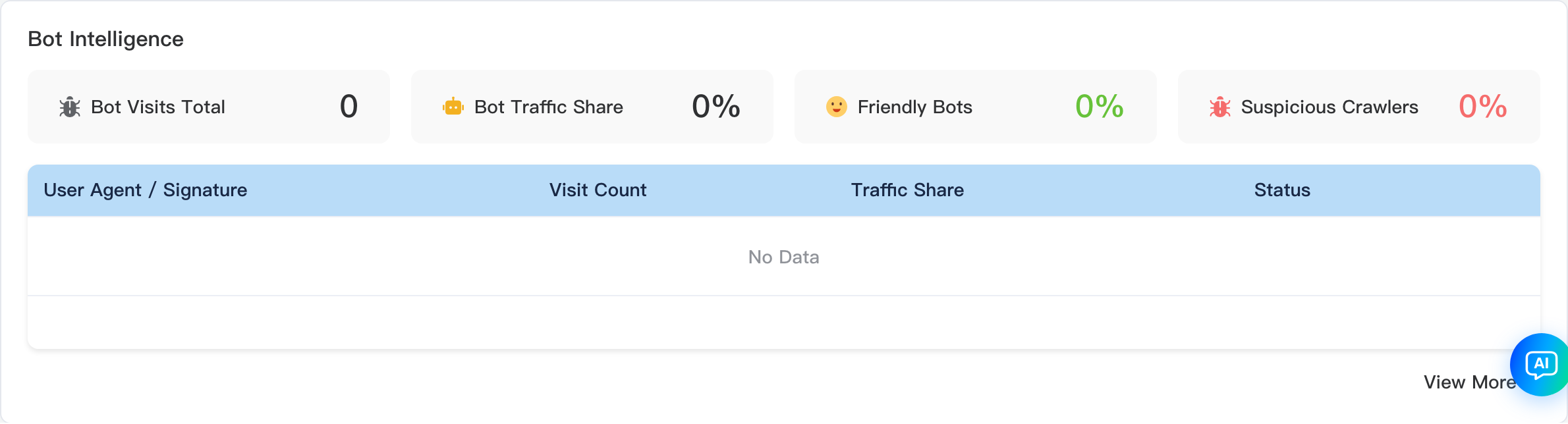
Bot Intelligence Analysis
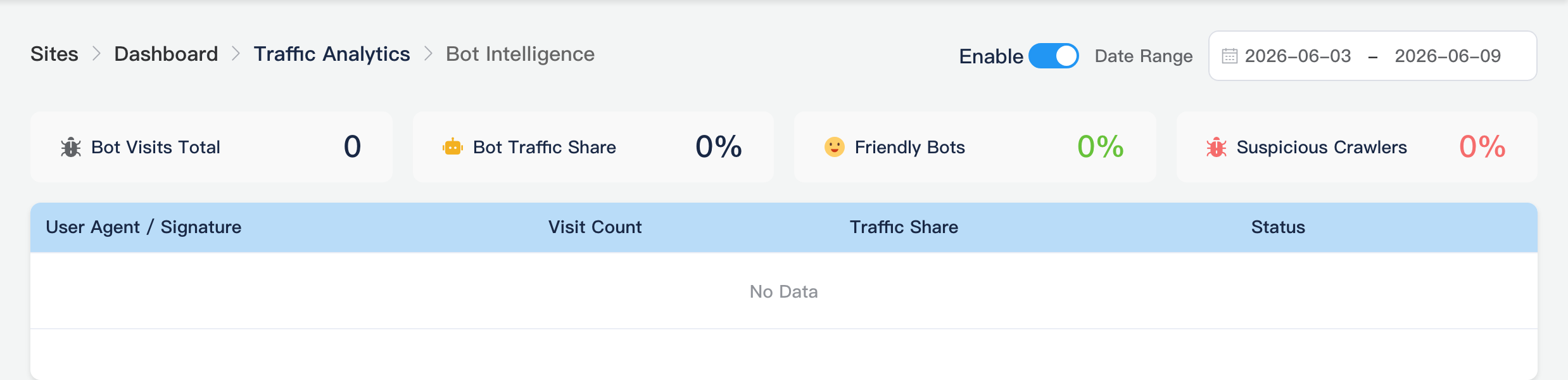
Shows botInfo summary: common crawler/bot visit overview (~5 rows on main screen). View More → Bot Intelligence subpage.
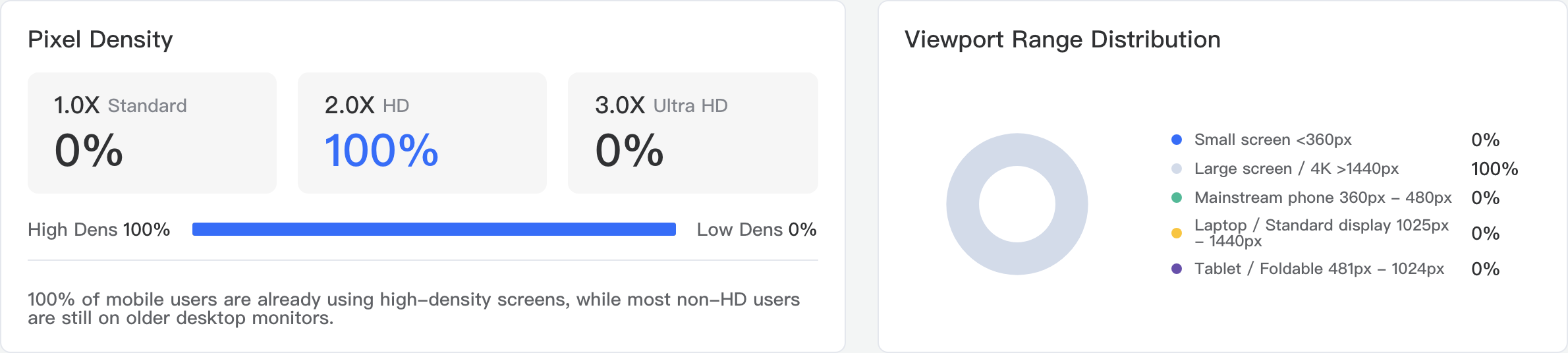
Pixel Density and Resolution Range Distribution
Left Pixel Density (dpr): share by DPR bands such as 1.0x / 2.0x, with summary text for high-definition screen share. Right Resolution Range Distribution (viewportWidth): visits grouped by viewport-width ranges.
Theme Color Distribution and Traffic Source Ranking
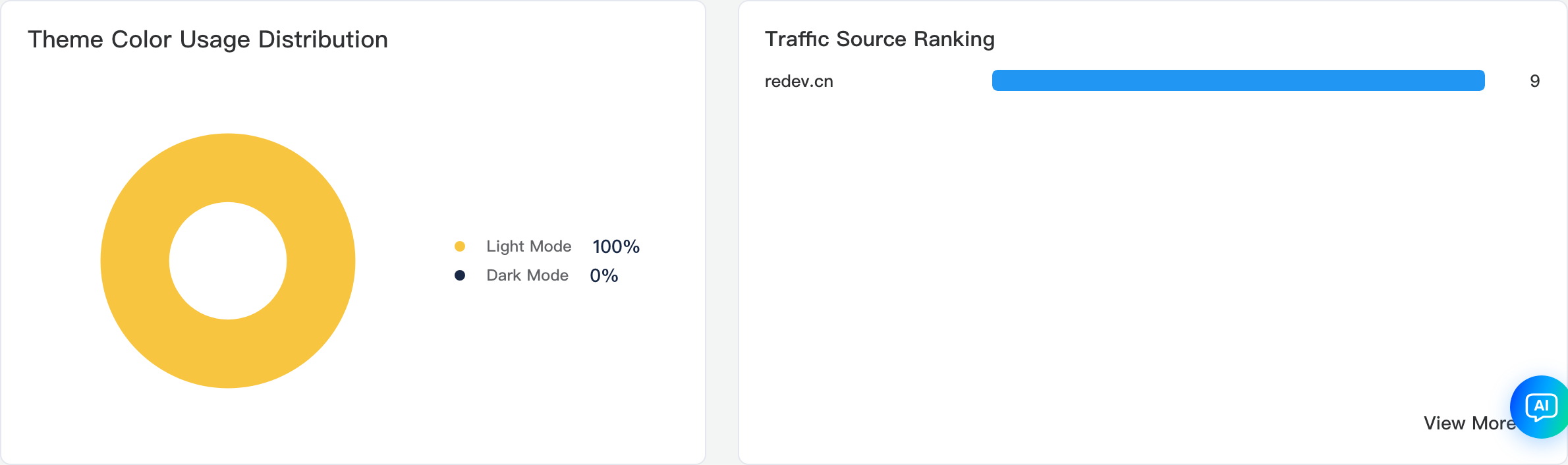
Left Theme Color Distribution (colorScheme): visitor system light/dark preference (donut chart). Right Traffic Source Ranking (top topReferer rows): referrer bar ranking. View More → Top Referrers subpage.
Popular Countries
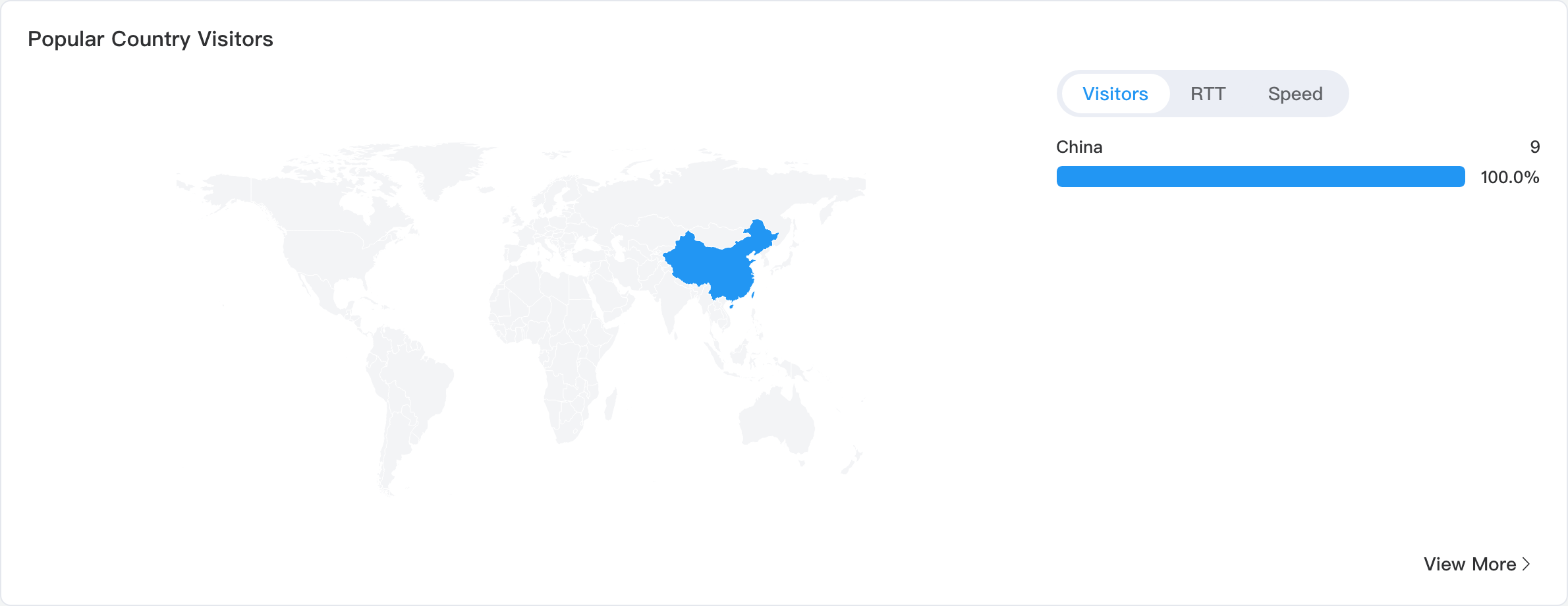
Full-width card: left world map (countryCH), right list. Tabs switch ranking dimension:
| Tab | Description |
|---|---|
| Visitors | Visitors by country/region |
| RTT | Round-trip time related metrics |
| Speed | Connection speed related metrics |
View More → Countries subpage.
ECT Network Type Distribution and Browser Ranking
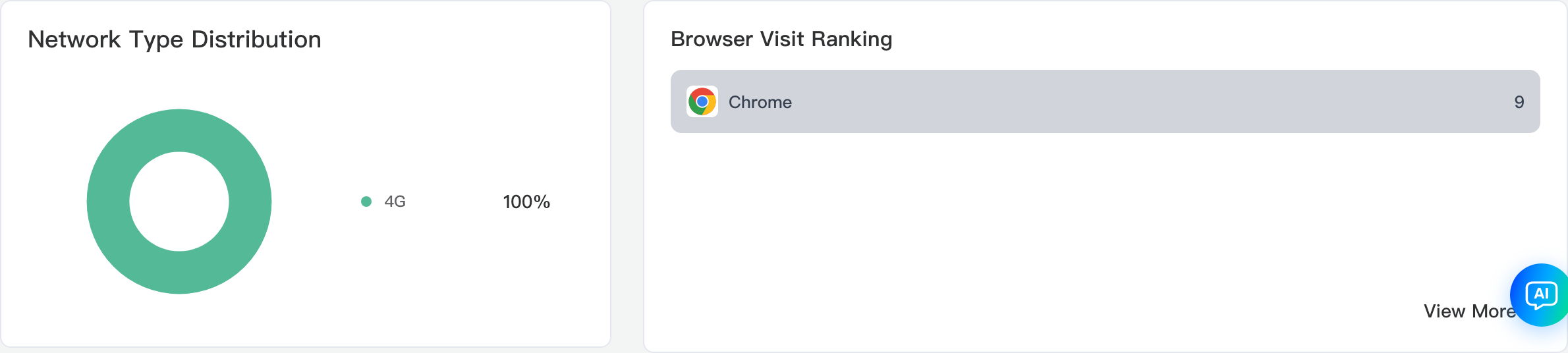
Left ECT Network Type Distribution (ectShare): effective connection type (Wi‑Fi/4G/Ethernet, etc.) share donut. Right Browser Ranking (top topBrowsers rows): visits per browser bar chart. View More → Browser Ranking subpage.
Latest Visitor Information
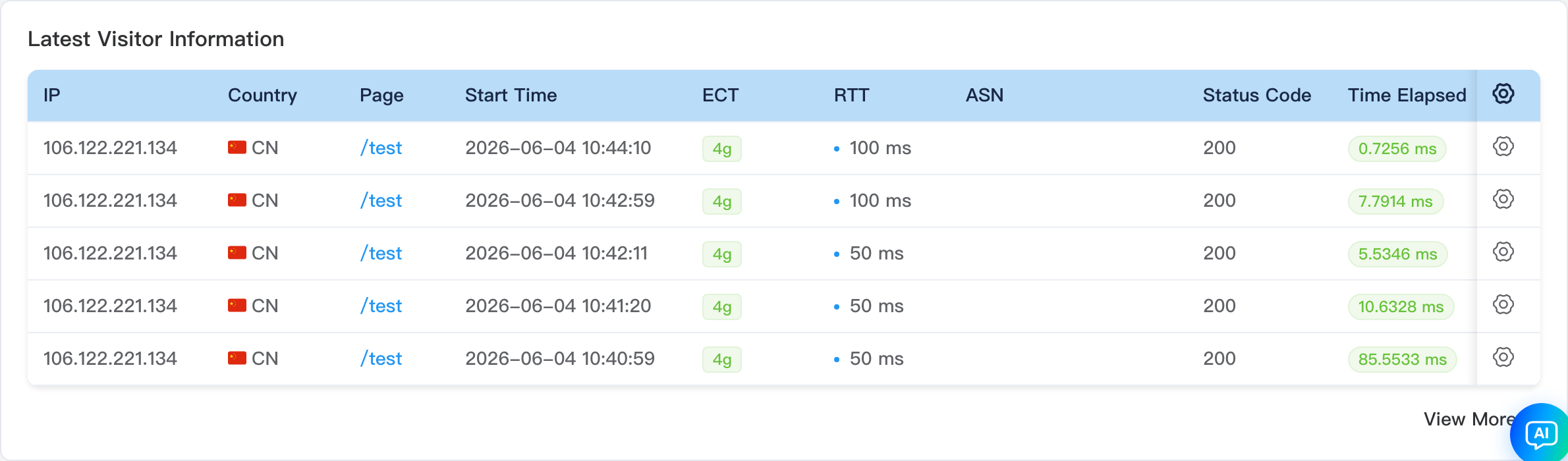
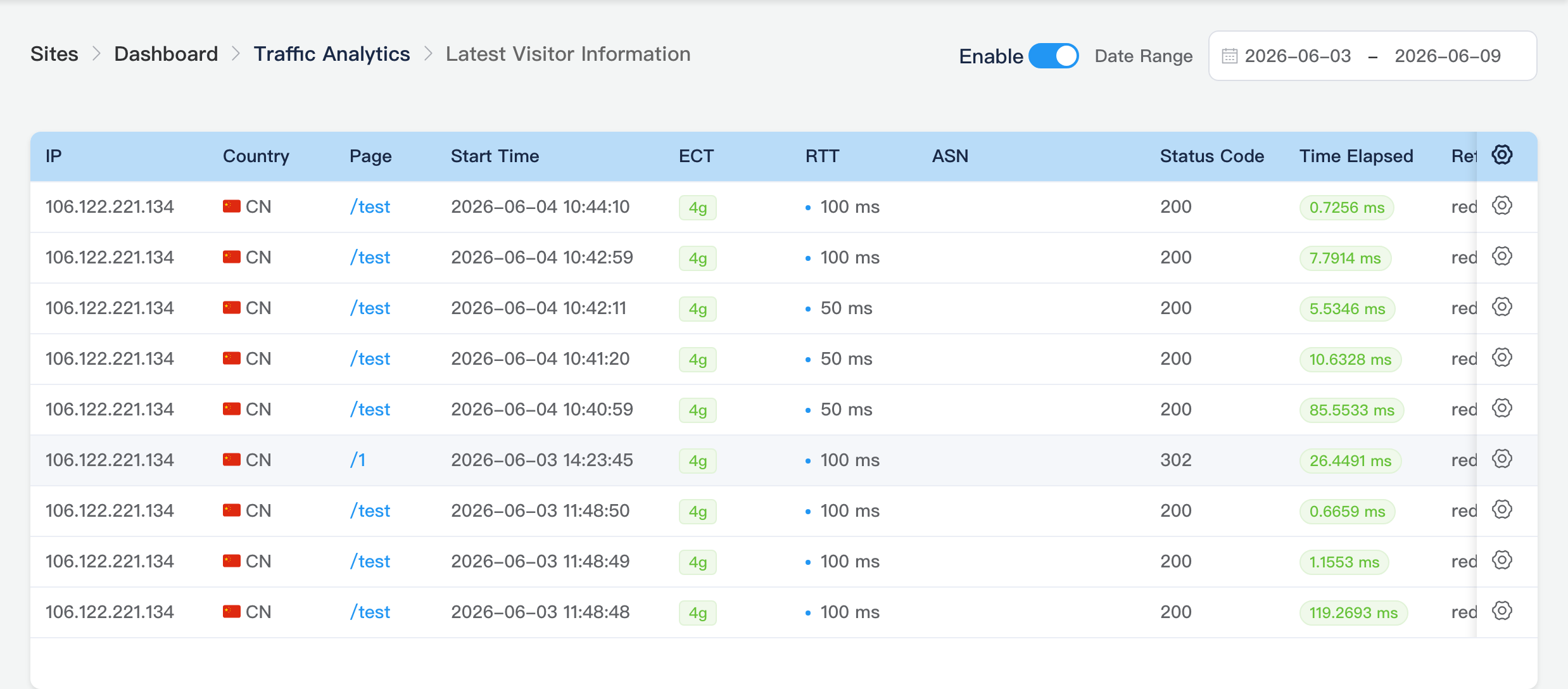
Main screen embeds the AllPanel table (about 5 rows): IP, country, page visited, start time, ECT, RTT, and more. Row actions Block and Rate Limit depend on the site's access restriction configuration. View More → Latest Visitors subpage.
Subpages (View More)
Sub-routes include current date range (startDate / endDate); breadcrumb Visitor Logs → {subpage title}. Header still has Enable and Date Range.
Latest Visitors Subpage
Path: /_Admin/system/visitor-logs/all-panel?SiteId=...&startDate=...&endDate=...
Full paginated list: IP, country, page URL, start time, ECT, RTT, User-Agent, etc.; supports block/rate limit.
Bot Intelligence Subpage
Path: /_Admin/system/visitor-logs/bot-panel?SiteId=...
Full botInfo list vs main card (RobotIntelligence component, no row cap).
Top Pages Subpage
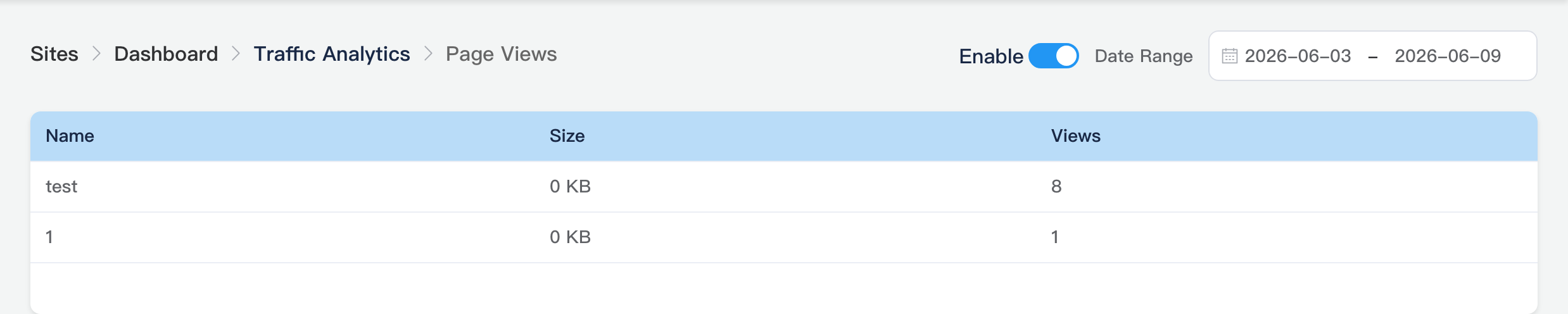
Path: /_Admin/system/visitor-logs/top-pages-panel?SiteId=...
Columns: Name (page URL), Size, Page Views (count).
Top Referrers Subpage
Path: /_Admin/system/visitor-logs/top-referer-panel?SiteId=...
Full referrer visit count ranking (same field as the main Traffic Source Ranking).

Top Images Subpage
Path: /_Admin/system/visitor-logs/top-image-panel?SiteId=...
Image resource URL, thumbnail, and visit count (content appears when the site has image visit data).

Countries Subpage
Path: /_Admin/system/visitor-logs/top-countries-panel?SiteId=...
Full country/region list (visitors, RTT, speed, etc., per UI columns).

Browser Ranking Subpage
Path: /_Admin/system/visitor-logs/top-browsers-panel?SiteId=...
Complete browser type visit ranking.

Block and rate limit
Block/rate limit in subpages and the main table ties to access restrictions and rate-limit policies under Site Settings → Basic Settings; see Basic Settings · Access Control.
Related
- Operations Center overview
- Dashboard — overview PV
- Next menu item: Behavior Analysis