
Appearance
Sync
Menu: Operations Center → Sync Deep link:
/_Admin/system/sync?SiteId={siteGuid}
Synchronize content and settings between a local site and other sites on a remote Kooboo server: compare local/remote differences, perform push and pull, manage ignore rules and sync progress, and maintain collaborative server connections.
Permission
Feature permission: sync (view / edit / delete and other sub-actions). Enable Operations Center → Sync in Edit Menu.
How to Open
- In Edit Menu, enable Operations Center → Sync.
- Open Operations Center → Sync on the left.
The main screen is a list of configured sync relationships; click the difference counts to enter Sync Log; the top-right Server icon opens Server List.
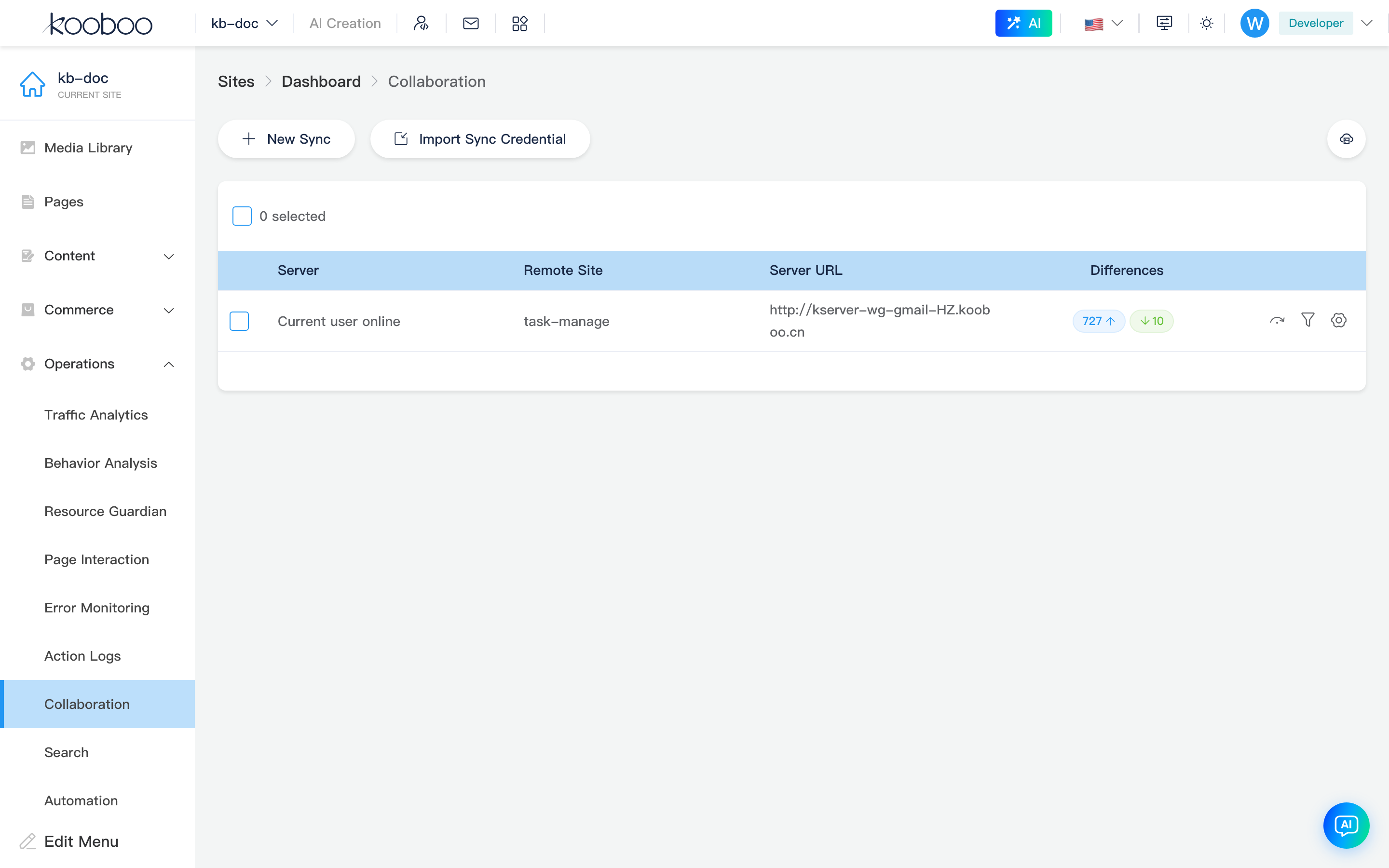
Toolbar
| Button | Permission | Description |
|---|---|---|
| New Sync | sync · edit | Bind remote server and site (see New Sync dialog) |
| New Collaboration Bearer | Admin + edit | Generate collaboration auth credential |
| Import Collaboration Bearer | edit | Upload .json credential file to quickly create a sync relationship |
| Request Assistance | Admin + edit | Generate collaboration invite link |
| Server (cloud icon) | — | Go to Server List |

Sync Relationship List
| Column | Description |
|---|---|
| Server | Saved remote server name |
| Remote Site | Remote site display name |
| Server URL | Remote Kooboo address |
| Differences | Left tag: Local Changes pending push count; right tag: Remote Changes pending pull count; click for Sync Log |
| Actions | Sync Progress, Ignore Settings, Site Settings Sync |
Supports multi-select deletion of sync configurations (sync · delete).

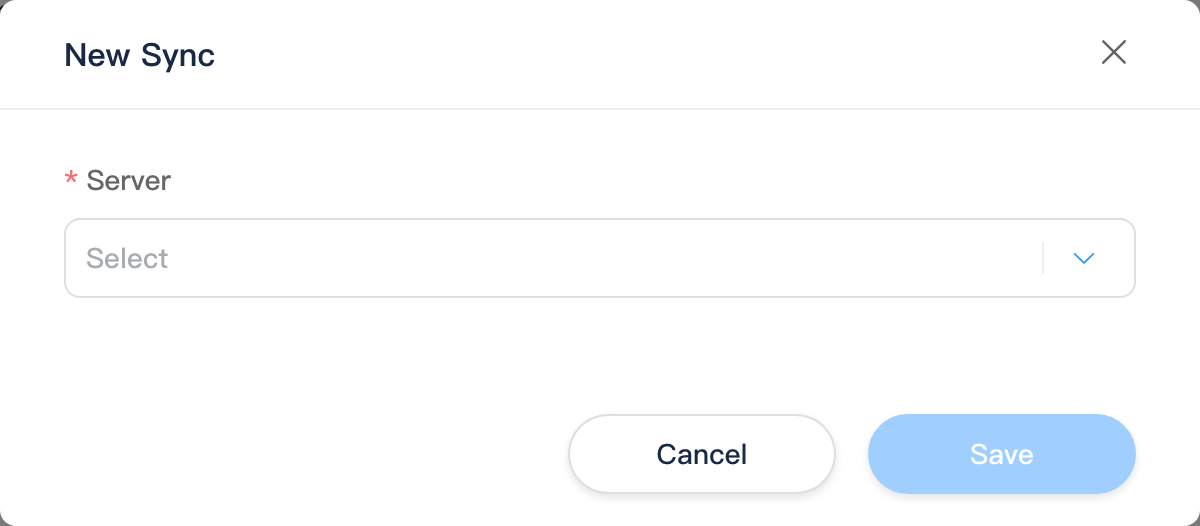
New Sync Dialog
Choose Server, and target either Existing Site or New Site (new site requires subdomain, root domain, site name, etc.), then confirm to create the sync relationship.
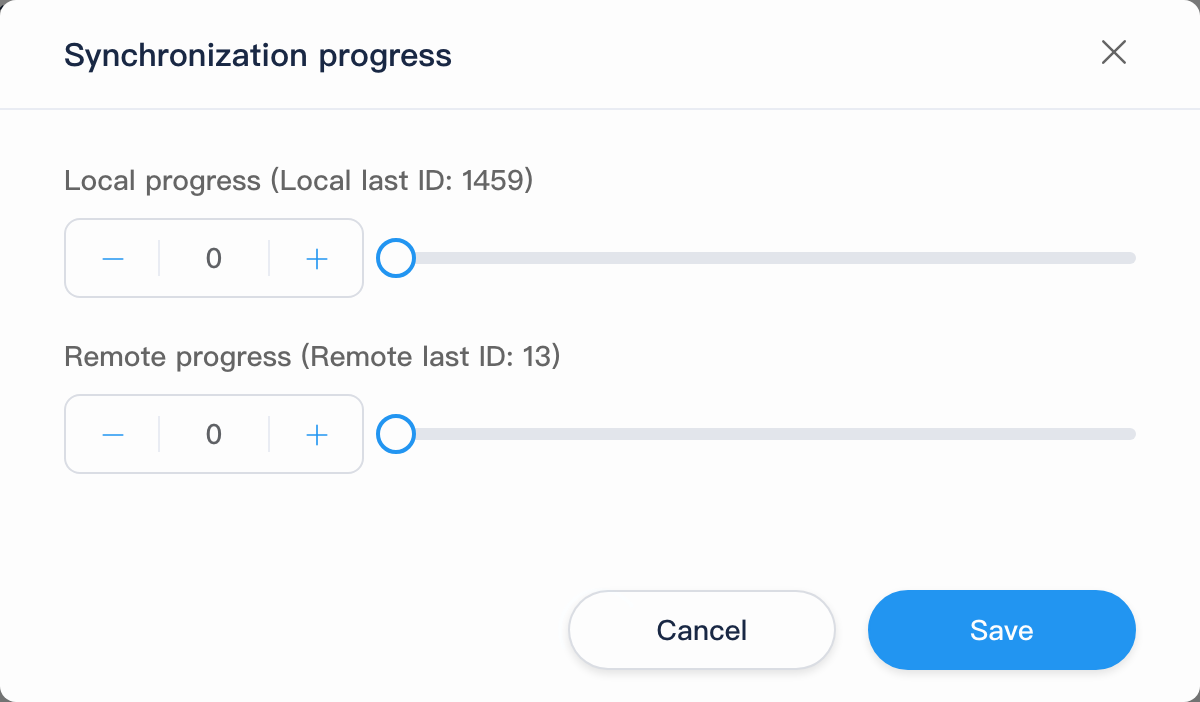
Sync Progress / Ignore Settings / Site Settings Sync
Row icons open the matching dialog:
| Dialog | Description |
|---|---|
| Sync Progress | View current sync task progress |
| Ignore Settings | Configure objects or logs to ignore on push/pull |
| Site Settings Sync | Compare and push/pull site-level setting differences |
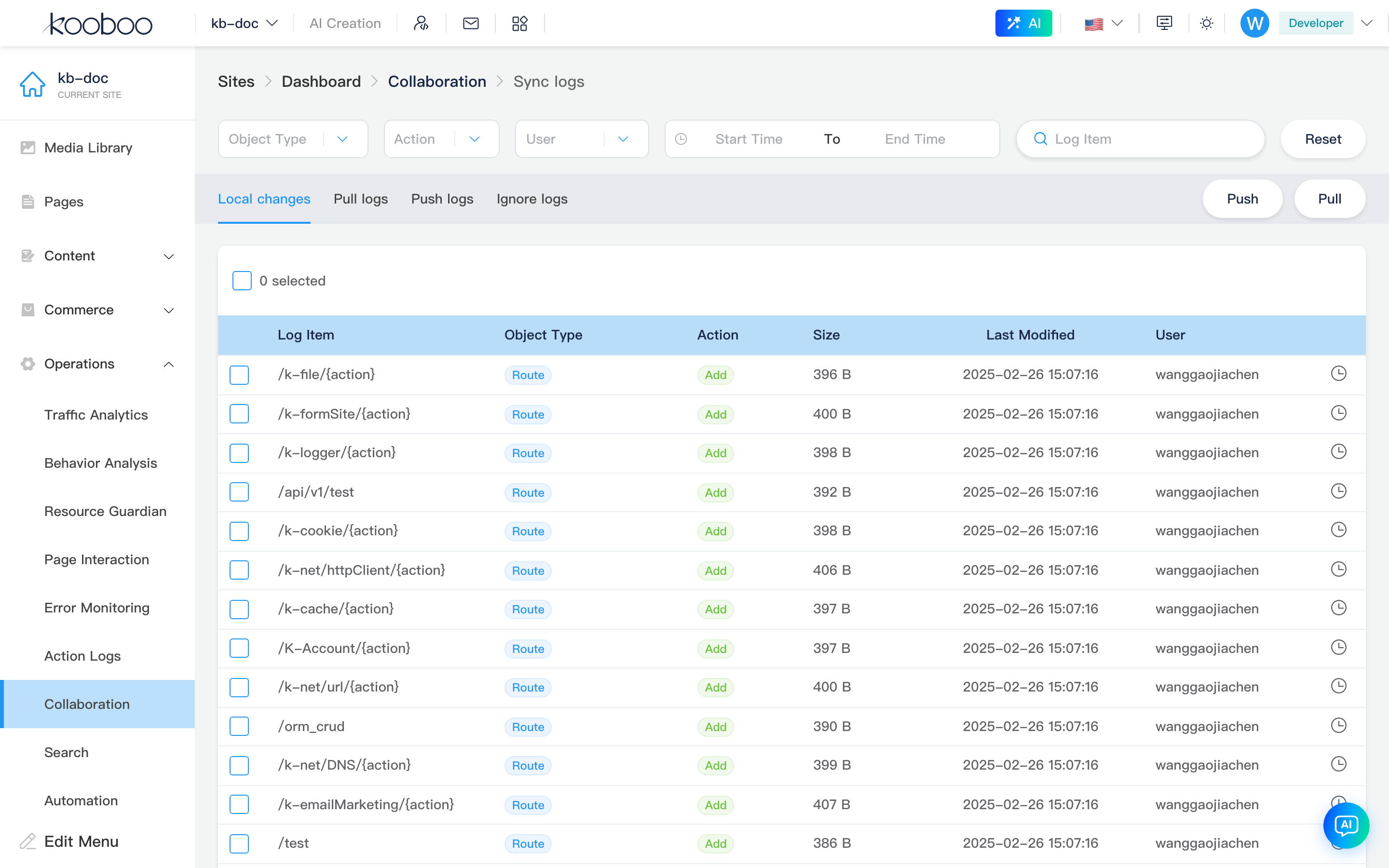
Sync Log Subpage
Path: /_Admin/system/sync/list?SiteId=...&id={syncRelationshipId}
Breadcrumb: Sync → Sync Log.
Filters and Global Actions
Similar to operation logs: Object Type, Action, User, Time Range, Log Item search, Reset. Top right:
| Button | Description |
|---|---|
| Push | Push all local changes to remote (conflict dialog when needed) |
| Pull | Pull all remote changes to local |
Tabs
| Tab | Description |
|---|---|
| Local Changes | Pending push list; select then Push or Ignore |
| Pull Log | History of pulls from remote |
| Push Log | History of pushes to remote |
| Ignore Log | Ignored items log |

Server List Subpage
Path: /_Admin/system/sync/server?SiteId=...
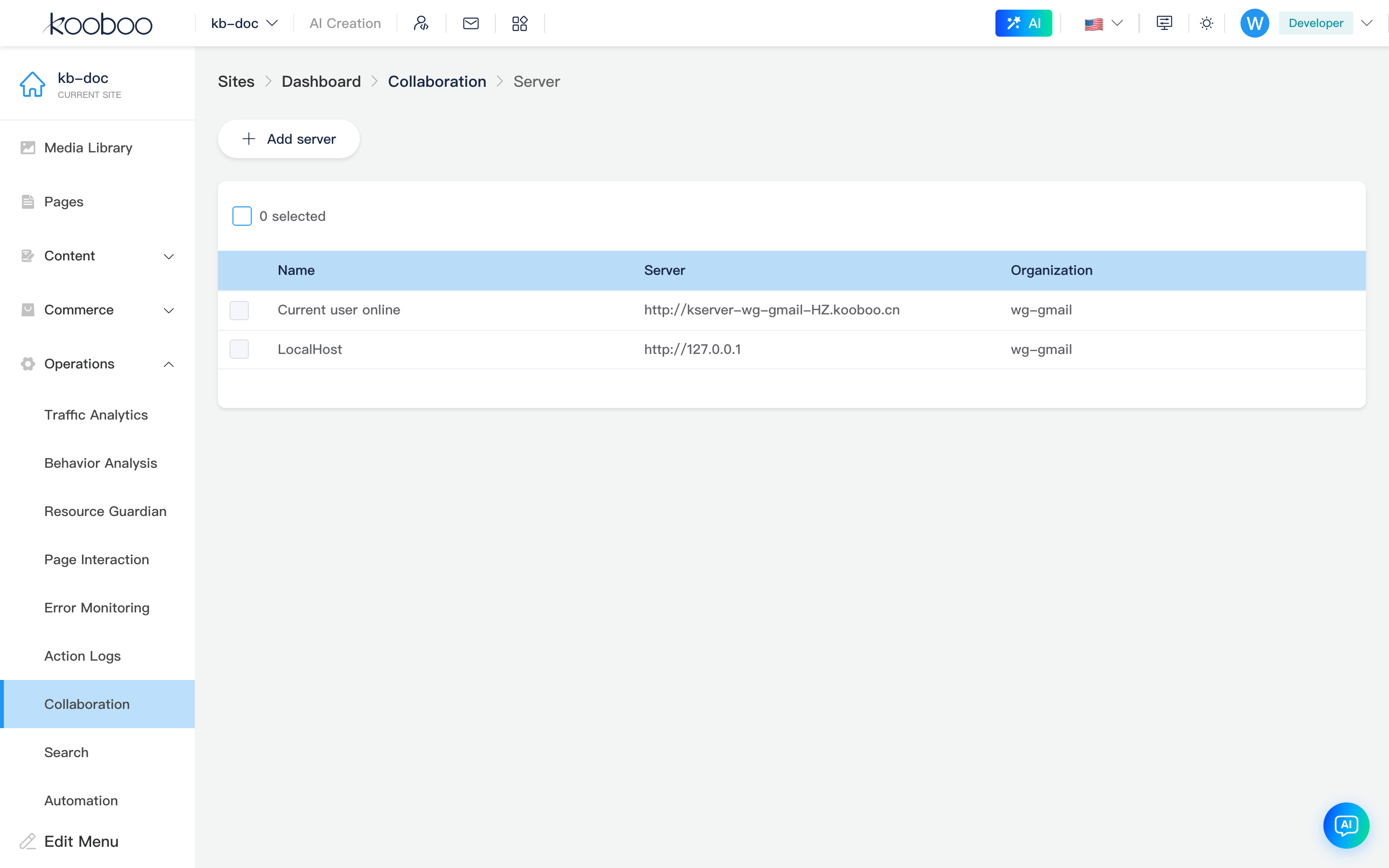
Breadcrumb: Sync → Server. Maintain connectable remote Kooboo servers (name, URL, organization). Add Server for new connections; table supports delete (built-in reserved items not selectable).
Conflict handling
If both ends modify the same object during push or pull, a Sync Conflict dialog appears; choose keep local or remote version per prompt to continue.
Related
- Operations Center overview
- Site Logs — single-site change audit