
Appearance
Media Library
Menu: Media Library (top of left sidebar, below the home icon)
Deep link:/_Admin/site/media?SiteId={siteGuid}
Manage site images and other media files for use in pages, content, and templates. In scripts, read and write media paths via k.media.
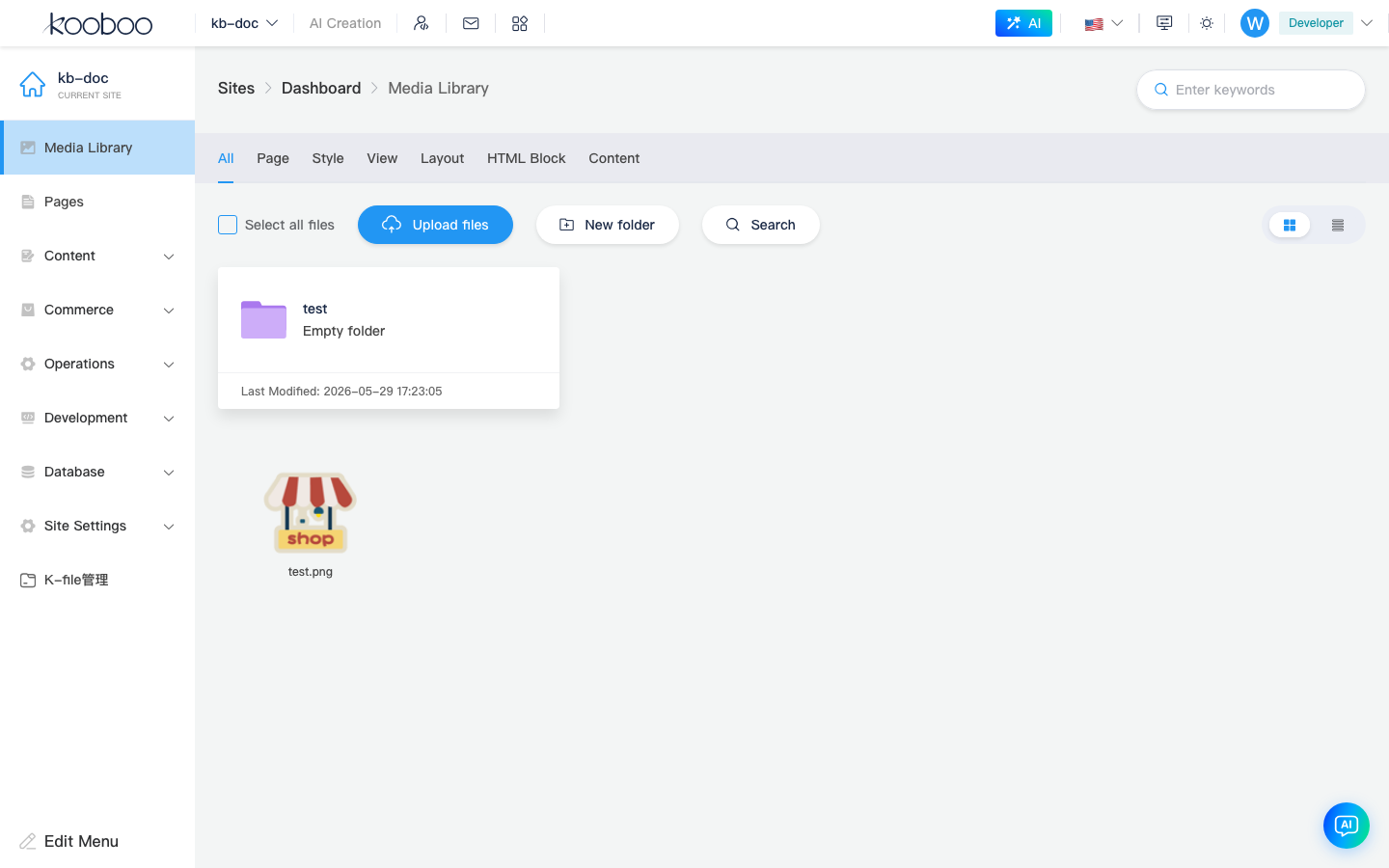
How to Open
- After entering site admin, click Media Library on the left.
- The address bar is usually
/_Admin/site/media?SiteId=...; it may includefolder,listType, and other query params (updated when you switch folders or grid/list view).
UI Overview
Toolbar (Common Actions)
| Action | Description |
|---|---|
| Select All | Select all files in the current list |
| Upload | Upload one or more files to the current folder (may be unavailable while searching) |
| New Folder | Create a subfolder under the current path |
| Search | Search media online (per product search capability) |
| Download / Delete | Batch download or delete selected files or folders |
| Grid / List | Switch display mode |
Folders and Files
- Click a folder to enter a subdirectory; breadcrumbs return to parent levels.
- Images can be previewed; some types support Image Edit (route
editImage, opened from the media library).
Storage Providers (Tabs)
If multiple tabs appear at the top, they represent different media providers (e.g. default storage and extension providers). Use the default provider for day-to-day work.
Working with k.media
Media library paths start with /, e.g. /images/banner.png. After upload, access files in templates or KScript via k.media; see k.media API.
Typical Workflows
Upload Images to a Folder
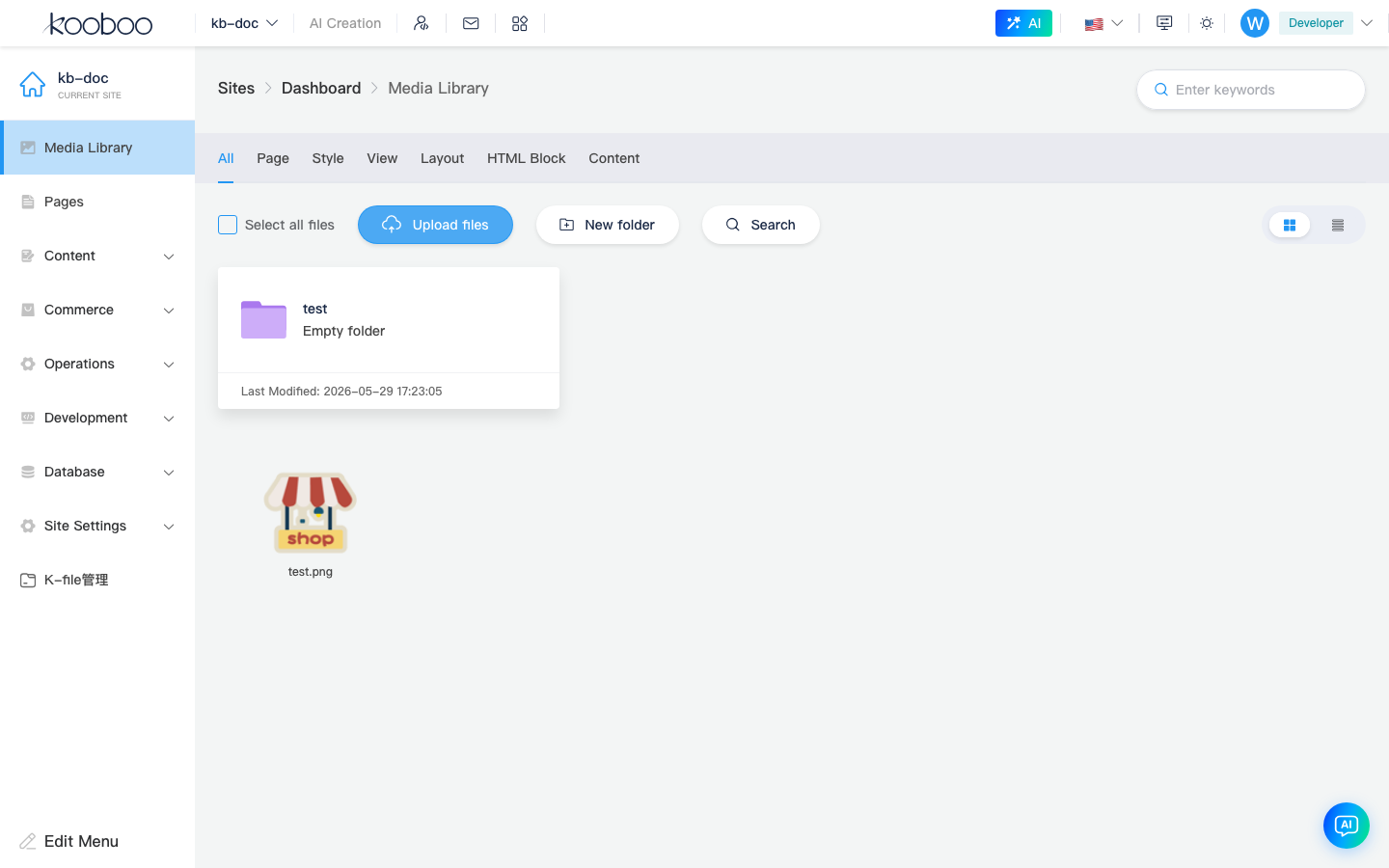
- Open Media Library and go to the target folder (or root
/). - Click Upload and choose local files.
- After upload, confirm in the list; copy or note the media path for pages/content fields.
Use in Content or Pages
- For content type fields of type Image, the admin picker usually selects from the media library.
- In templates, use media URLs or
k.mediato read files.
Related
| Doc | Description |
|---|---|
| k.media | Script access to the media library |
| Dashboard | Image count in My Resources |
| Pages | Image references in page design |