
Appearance
SQL Server Tables
Menu: Database → SQL Server Tables
Deep link:/_Admin/database/sqlserver-table?SiteId={siteGuid}
SQL Server tables let you browse and manage tables in a connected external SQL Server database from the admin: create tables, maintain columns and data, and import / export CSV. Configure the SqlServer connection string under Service integrations first; scripts use k.DB.sqlServer for SQL or table objects. Child routes must include dbType=SqlServer; the left menu highlights SQL Server Tables.
Permissions
Same as SQLite tables: database (view), database·edit, database·delete.
Configuring the connection string requires Service integrations config·edit.
Difference from MySQL / SQLite
| SQL Server tables | MySQL tables | SQLite tables | |
|---|---|---|---|
| Data source | External SQL Server | External MySQL | Site built-in SQLite |
| Service integration item | Database → SqlServer | Database → Mysql | Not required |
dbType | SqlServer | MySql | Sqlite |
| Script | k.DB.sqlServer | k.DB.mysql | k.DB.sqlite |
| SQL log type | sqlserver | mysql | sqlite |
Column editing and data browsing share the same pages as MySQL tables and SQLite tables (relational DB UI is consistent; only IndexedDB column settings include primary key/unique/auto-increment).
Configure SQL Server connection
- Open Site settings → Service integrations:
/_Admin/system/config?SiteId={siteGuid} - Expand the Database group and edit SqlServer. See Service integrations · Database.
- Enter the connection string (ConnectionString) and save.
Example format (follow Kooboo built-in guidance):
text
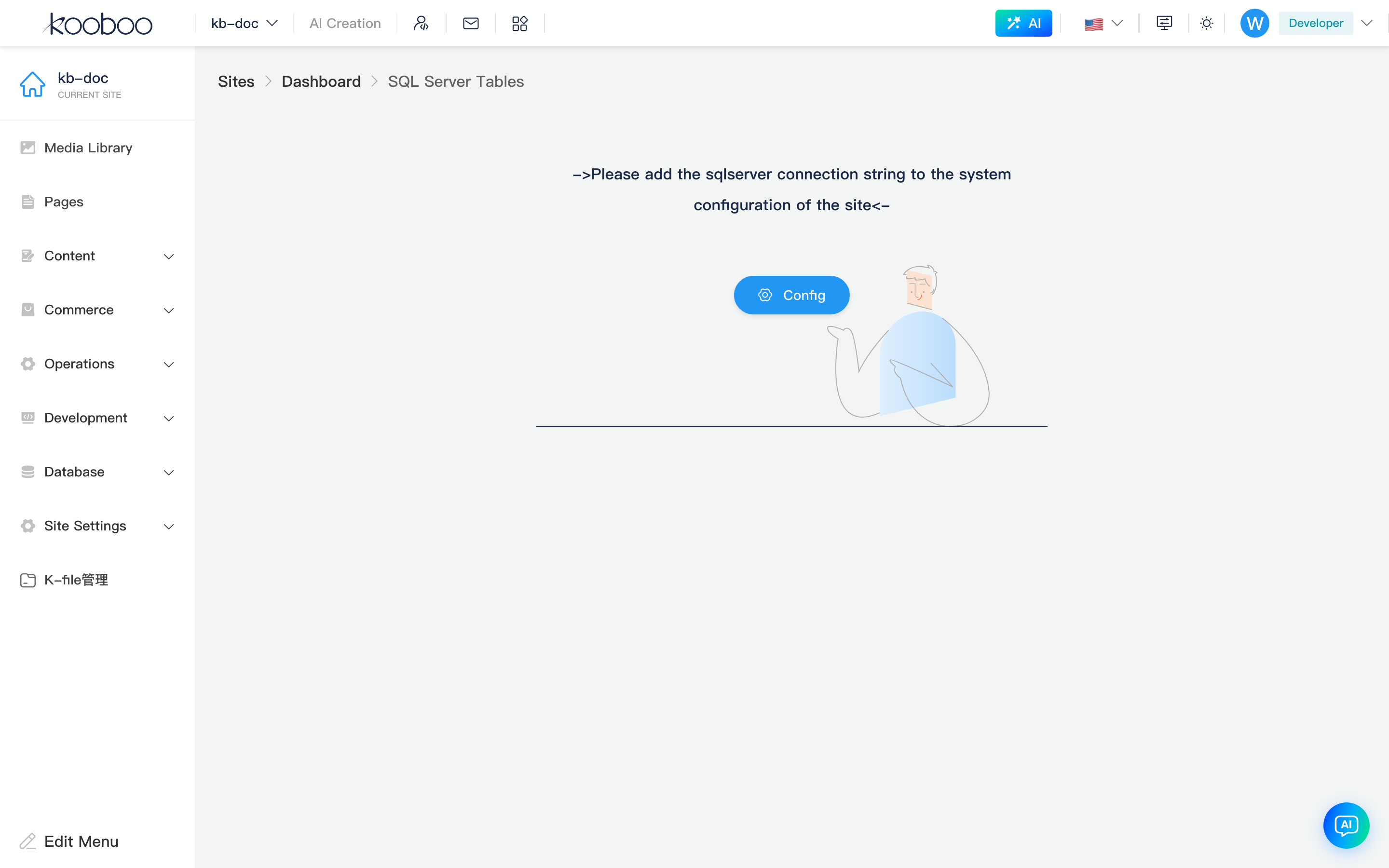
Data Source=127.0.0.1;Initial Catalog=mydb;User ID=sa;Pwd=123You can also click Configure now on the SQL Server Tables unconfigured guide page to jump to /_Admin/system/config?SiteId={siteGuid}&group=Database.
Security
Connection strings contain credentials; do not commit them to public repositories. Use least-privilege database users in production. Kooboo applies common TLS certificate options when connecting (e.g. TrustServerCertificate); exact behavior depends on the deployment driver.
How to Open
- In Edit Menu, check Database → SQL Server Tables.
- Complete Configure SQL Server connection.
- Open Database → SQL Server Tables in the left sidebar.
When not configured or the connection is invalid, the page shows an error and Configure now; no table list is shown.
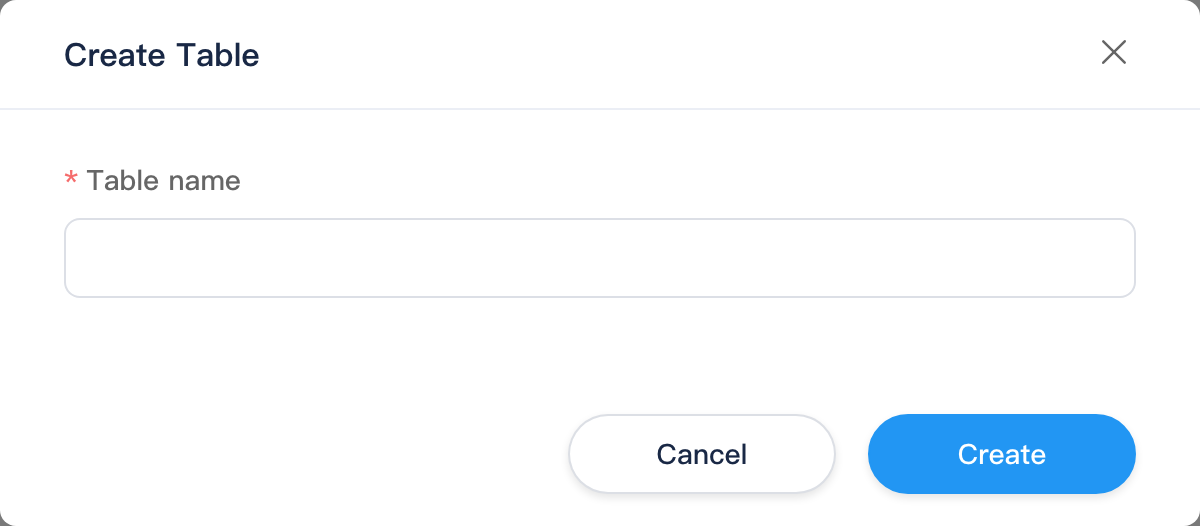
After a successful connection, list, columns, data, CSV import, and other UIs share the same pages as SQLite tables (only dbType=SqlServer and menu highlight differ). Screenshots below use SQLite as an example; SQL Server looks the same once configured.
Table List
| Action | Permission | Description |
|---|---|---|
| Create table | database·edit | Create table in SQL Server and register admin schema |
| Click Name | database | Open table data |
| Settings (gear) | database | Open column settings |
| Multi-select Delete | database·delete | Delete selected physical tables (use with care) |
Table name rules match IndexedDB / SQLite: 1–50 characters, letter or digit start, letters and digits only.
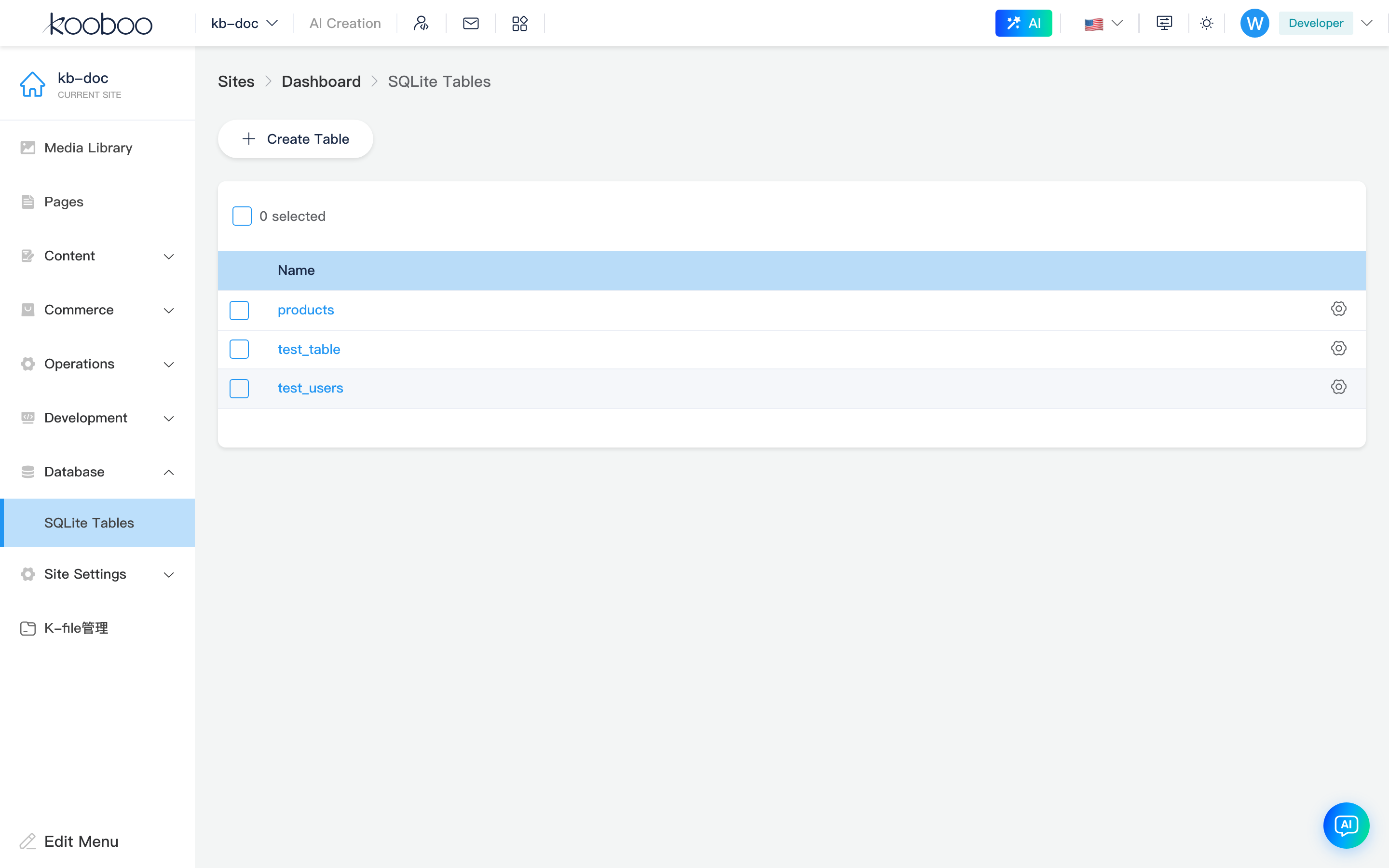


Create table dialog
Column Settings
Route example:
text
/_Admin/database/table/columns?SiteId={siteGuid}&table={tableName}&dbType=SqlServerSame as SQLite column settings: list shows column name, control type, index; column editor has no length, auto-increment, or primary key/unique (IndexedDB only). Save updates SQL Server table structure and admin control mapping.
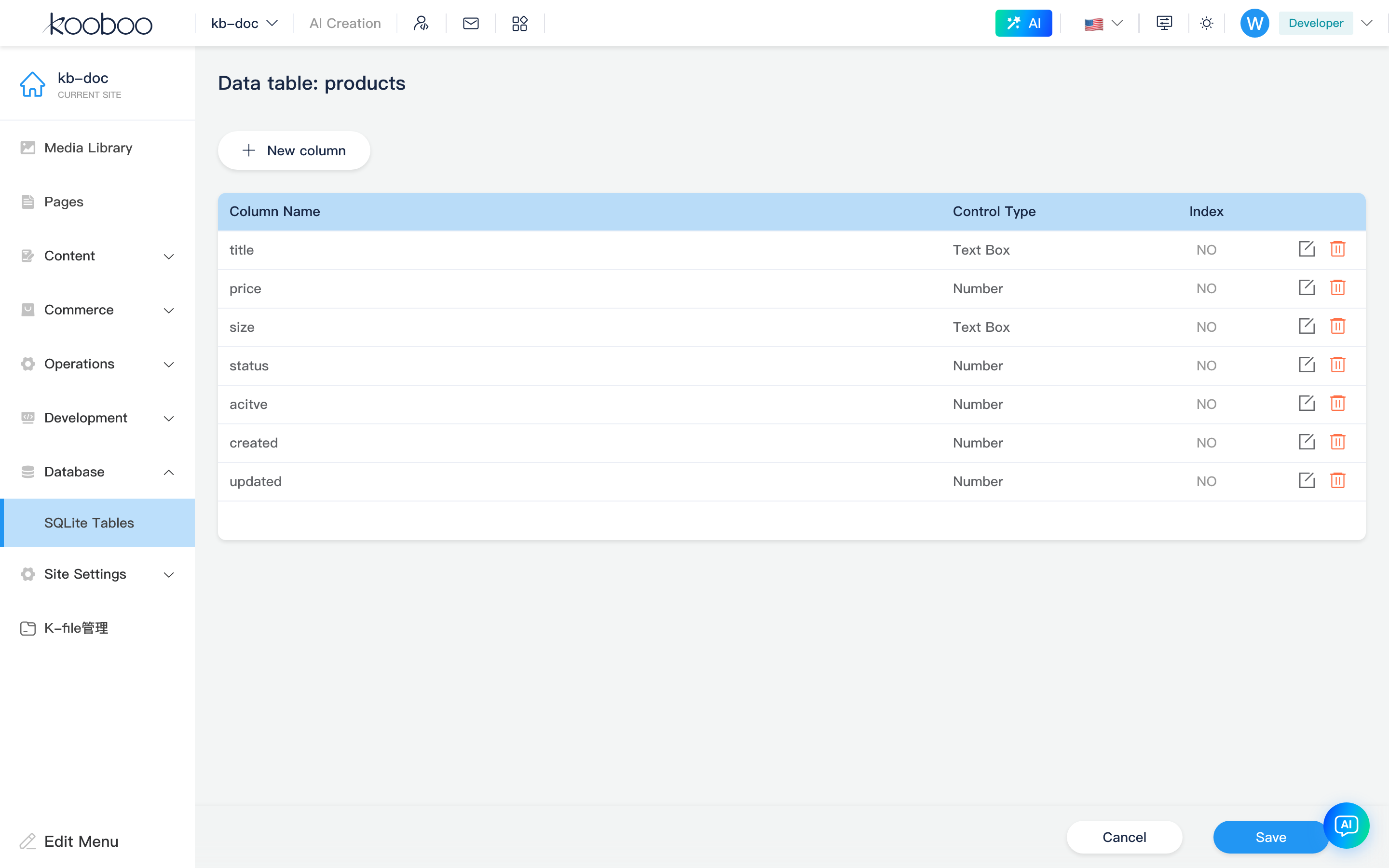
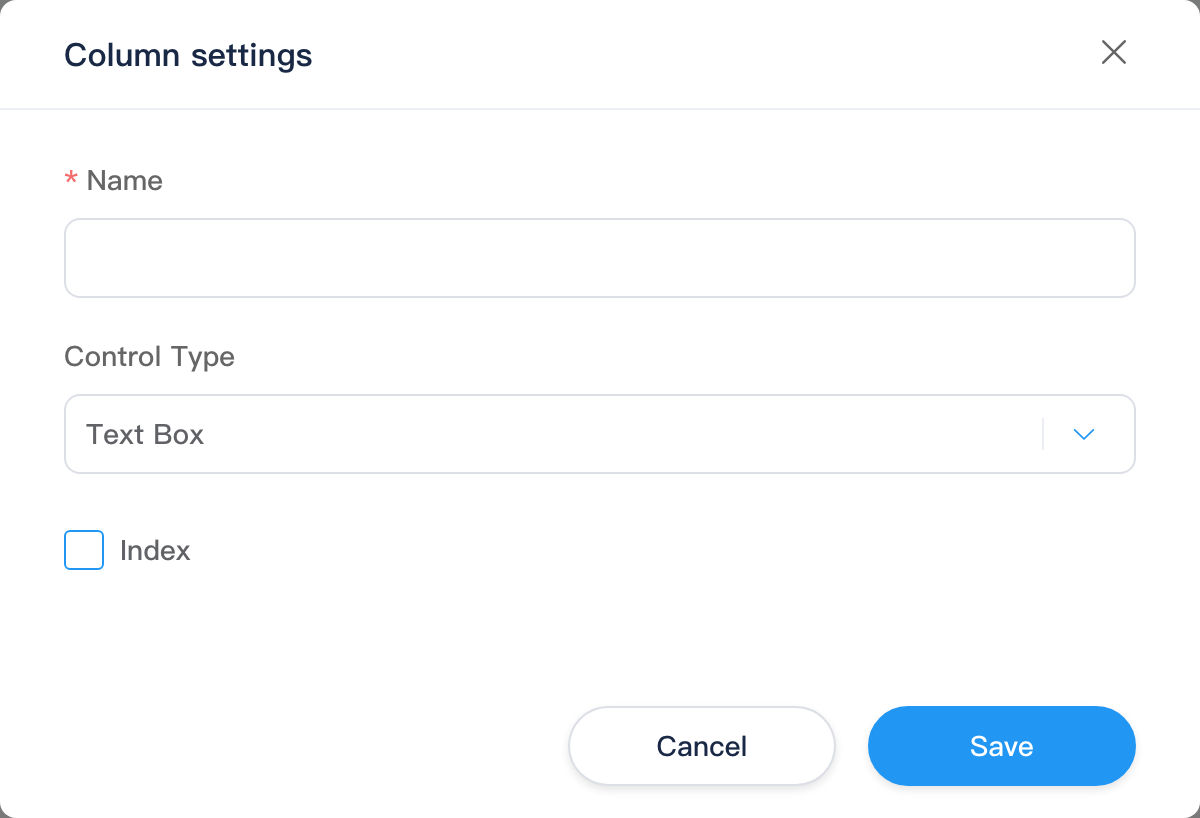
Table Data
Route example:
text
/_Admin/database/table/data?SiteId={siteGuid}&table={tableName}&dbType=SqlServerToolbar
| Button | Permission | Description |
|---|---|---|
| New data | database·edit | Open edit page |
| Export data | database | Export CSV |
| Import data | database·edit | CSV import |
| Settings | — | Jump to column settings |


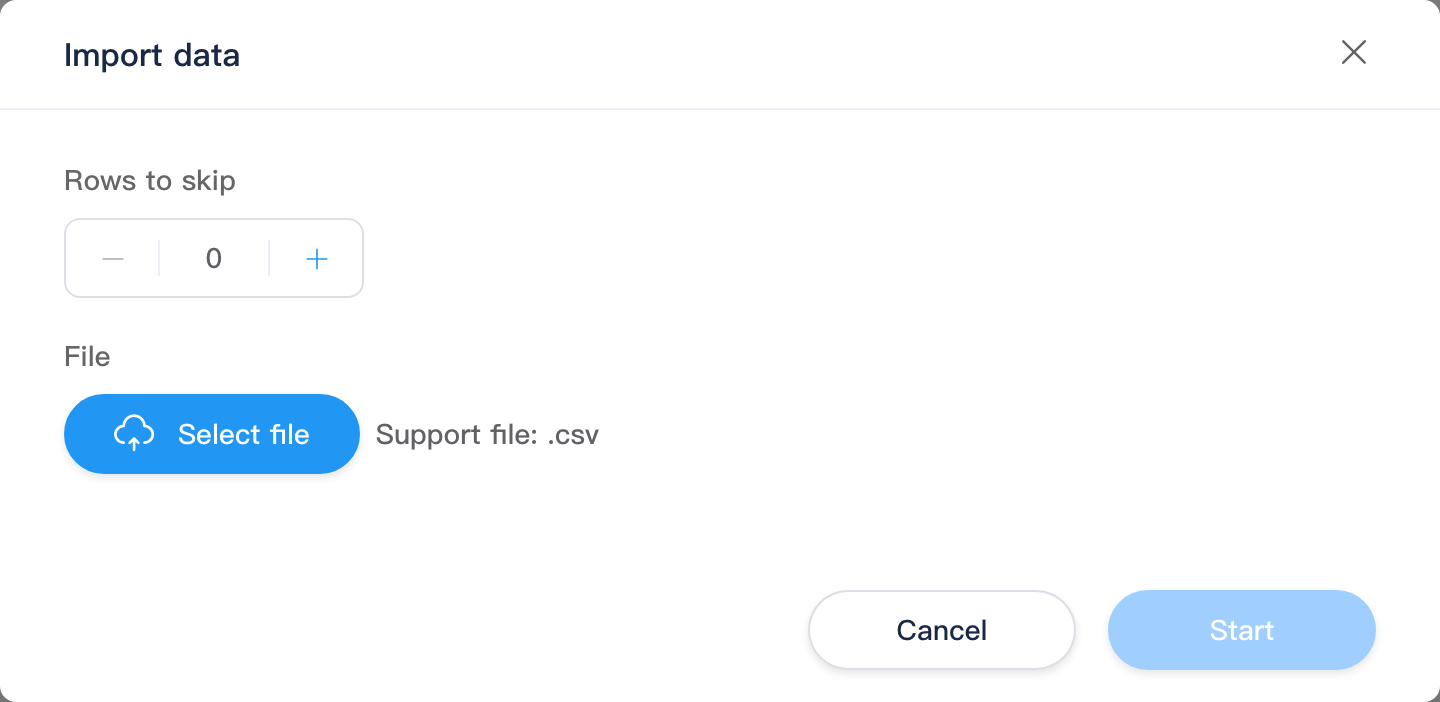
CSV import
Fields and flow match SQLite CSV import: skip rows, upload .csv, field mapping (required/unique), optional overwrite.
Edit Data
Route example:
text
/_Admin/database/table/edit-data?SiteId={siteGuid}&table={tableName}&dbType=SqlServerForm rendered by column control type; Save / Cancel returns to the data list.
Script access (development)
typescript
const rows = k.DB.sqlServer.query(
  "SELECT * FROM orders WHERE id = @id",
  { id: 1 }
)
k.DB.sqlServer.execute(
  "INSERT INTO orders (order_no, amount) VALUES (@no, @amt)",
  { no: "A1001", amt: 99 }
)
const table = k.DB.sqlServer.getTable("orders")
When Default database under Site settings → Advanced is set to SqlServer, k.DB.sql and k.DB.sqlServer point to the same instance.
See k.DB (sqlServer shares relational APIs with mysql / sqlite: query / execute / getTable / procedure, etc.).
SQL logs
With site SQL logging enabled, statements from k.DB.sqlServer can be filtered by type SQLServer in SQL logs.
Typical workflow
- Configure SqlServer under Service integrations and verify connectivity.
- Open SQL Server Tables, Create table or manage existing database tables.
- Settings for columns and control types; New data or Import CSV.
- Read/write in Code with
k.DB.sqlServer; check SQL logs when troubleshooting.
Related
| Doc | Description |
|---|---|
| MySQL tables | Similar external MySQL |
| SQLite tables | Built-in database; no connection |
| k.DB | Script API |
| SQL logs | Execution records |
| Database overview | Menu overview |