
Appearance
Parameter Config
Menu: Content → Parameter config (route
useroptions; must be enabled in Edit Menu)
Deep link:/_Admin/content/useroptions?SiteId={siteGuid}
Parameter config defines a set of structured key-value parameters for the site: design Schema (field names, display names, types) in the admin, then fill Data on another page; templates and KScript read via k.paramConfig for site-level switches, header phone numbers, social link objects, etc. without embedding in Page source. API: k.paramConfig.
Difference from site custom settings and element attributes
| Parameter config (this page) | Custom settings in site settings | Element attributes | |
|---|---|---|---|
| Admin | Content → Parameter config | Site → Settings, etc. | Content → Element attributes |
| Data | JSON grouped by config name | k.site.info.setting, etc. | KConfig: HTML attribute bindings |
| Templates | k.paramConfig.configName.field | Depends on site settings | k-config="key" |
| Source | Create here + fill form | Not this menu | Auto-generated from template markers |
How to Open
- In Edit Menu, check Parameter config.
- Open Content → Parameter config in the left sidebar.
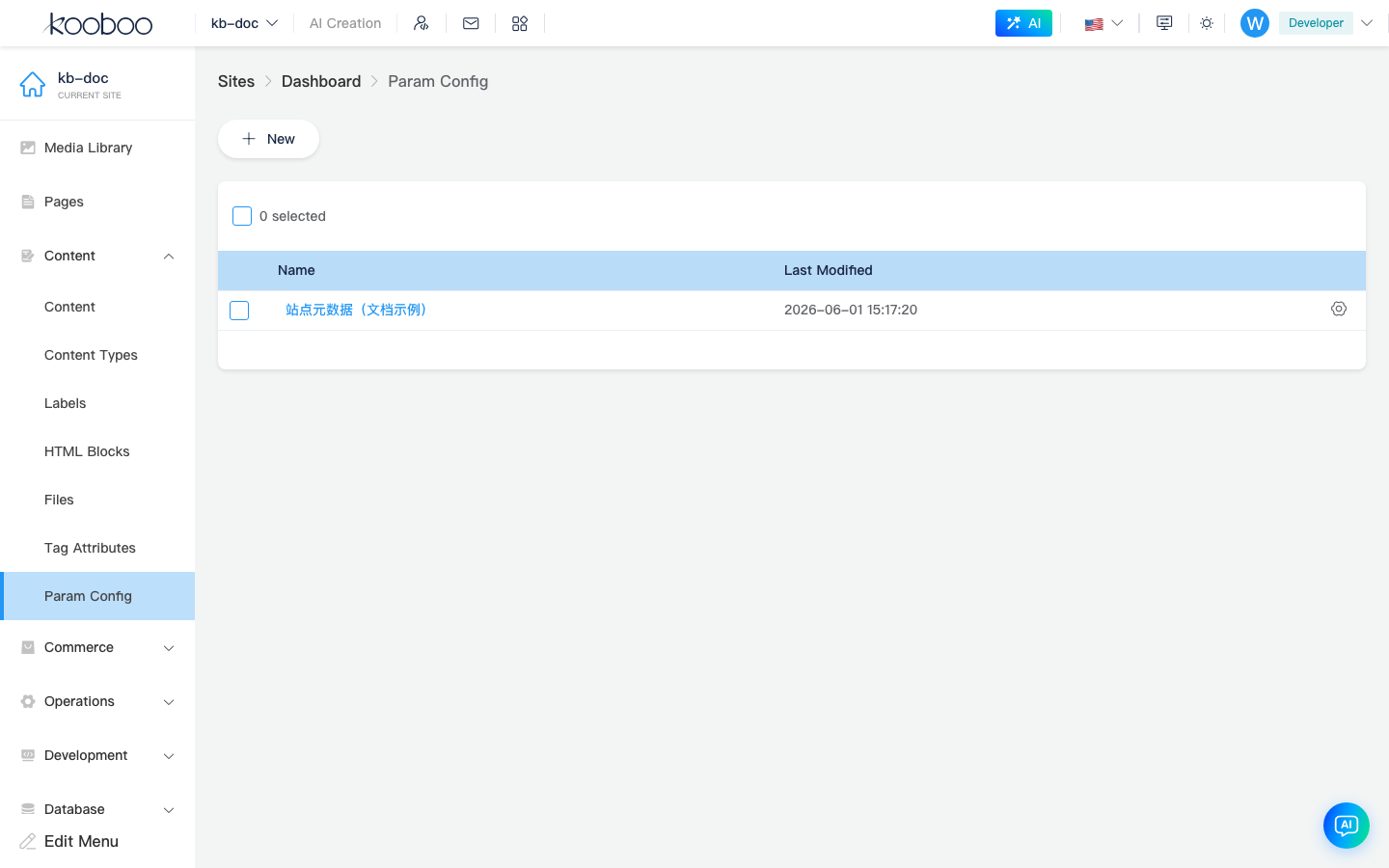
List Page
| Column / action | Description |
|---|---|
| Name | Display name or internal name; click to open Edit data (useroptions/edit?id=...) |
| Last modified | Update time |
| Settings (gear) | Edit config Schema (field structure); requires userOptions · setting |
| Batch delete | Delete selected rows (userOptions · delete) |
Toolbar New appears only with setting permission; opens Create page (name and Schema together).
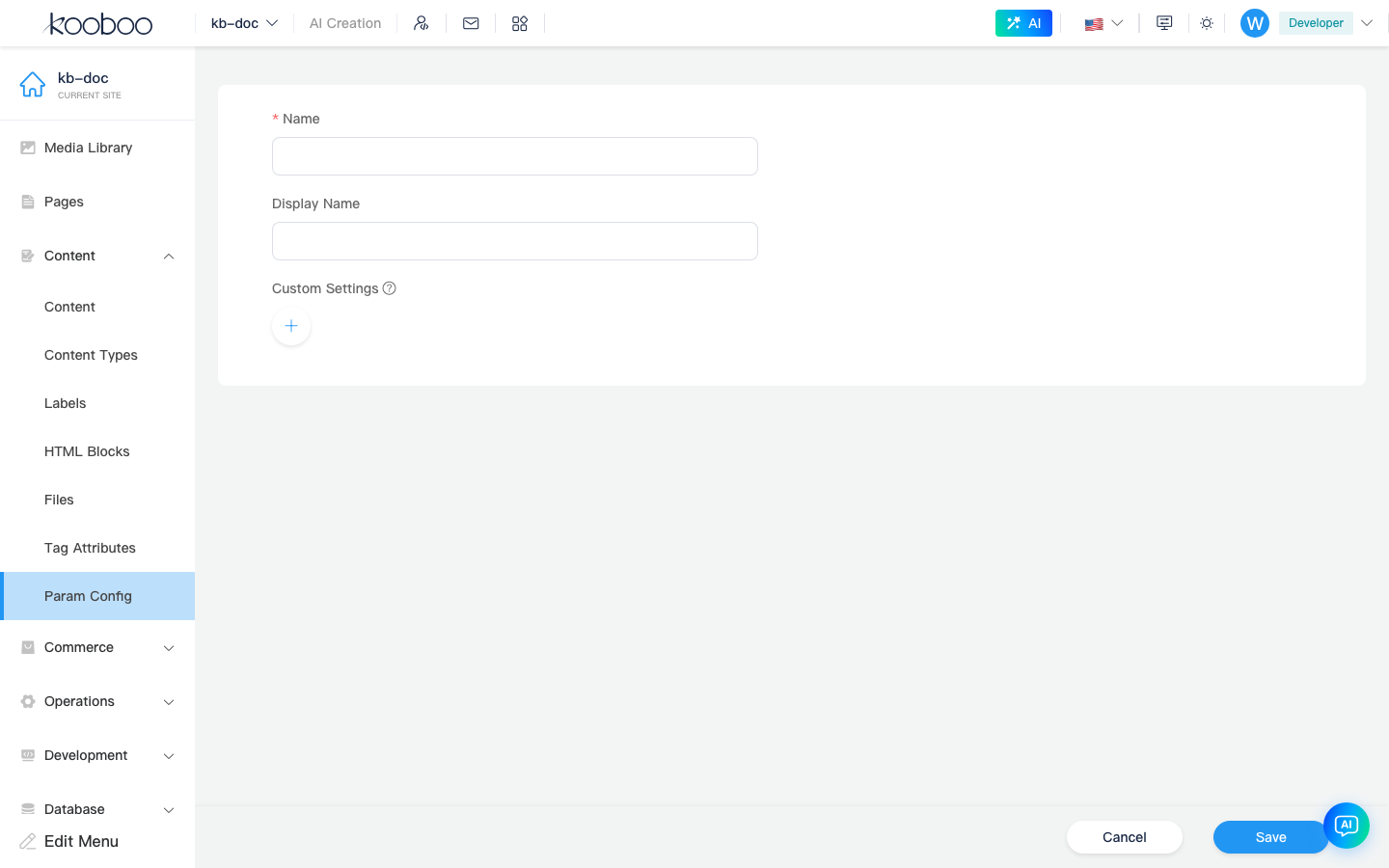
Create Config
Path: /_Admin/content/useroptions/create?SiteId=...
| Field | Description |
|---|---|
| Name | Internal id, 1–50 chars, letter or digit start, unique in site; use k.paramConfig.{name} in templates |
| Display name | Admin display; optional |
| Custom settings | Schema editor: Name, Display, Type per field |
Schema types: text (string), number (number), boolean (boolean), object (object), array (array). Arrays need element type; objects and object arrays can nest sub-fields (indented on the left).
After save, returns to list; data is empty {} until you open Edit data from the list name link.
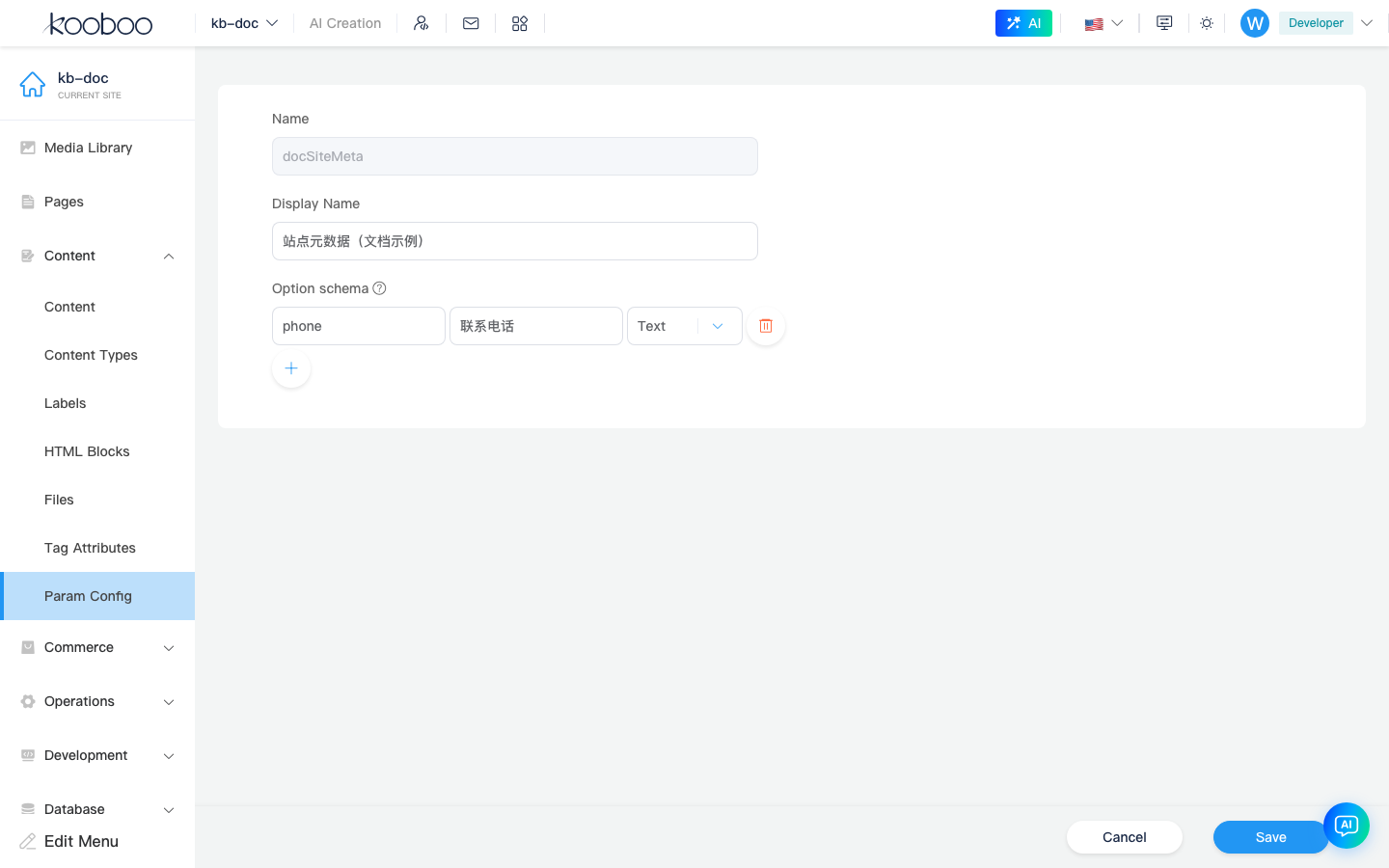
Edit Schema (Settings Page)
From list row gear: /_Admin/content/useroptions/setting?id=...
- Name cannot change (avoids breaking
k.paramConfig.{name}in templates). - Can change display name and Schema (add/remove fields, change types).
- Saving Schema resets that config’s data to empty object
{}; to keep values when adjusting structure, export JSON first (below) or re-enter after Schema changes.
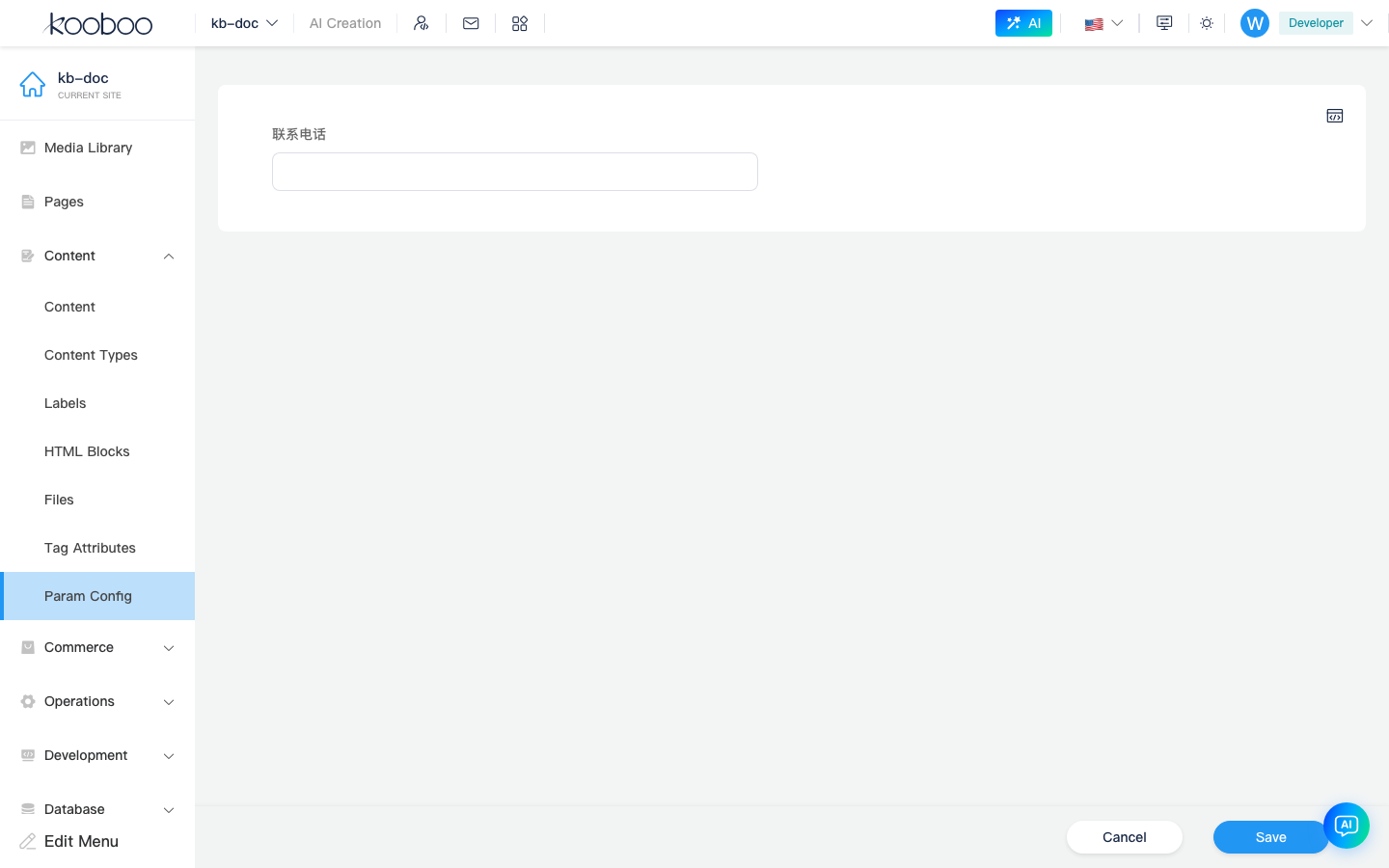
Edit Data
From list name link: /_Admin/content/useroptions/edit?id=...
Form rendered from Schema (text, number, switch, nested object, array, etc.). Top-right Edit code opens Monaco to edit the full JSON in bulk; confirm writes back to the form before save.
Save calls updateOptions; updates data only, not Schema.
Templates and KScript
Read saved site data (data field JSON):
javascript
// Assume config siteContact with Schema fields phone, showBanner
var phone = k.paramConfig.siteContact.phone;
var show = k.paramConfig.siteContact.showBanner;- If config name does not exist or data is empty, properties are undefined.
- Engine generates KDefine hints under
k.paramConfig(per config and field names) for the script editor.
Related
- k.paramConfig — KScript API
- Content overview
- Edit Menu
- Element attributes (template
k-config, not this page)