
Appearance
Inline Edit
Open from Pages row Inline Edit
Deep link:/_Admin/inline-design?SiteId={siteGuid}&path={pagePath}&id={pageId}&type={pageType}
Click elements directly on the front-end rendered result to change them. It is suitable for copy, images, links, and local styles without writing HTML by hand. Saving writes back to the corresponding Page (or design page) resource.
Compared with Edit Code
| Inline Edit | Edit Code | |
|---|---|---|
| Scenario | Operational copy changes, image swaps, style adjustments | Structure, Layout placeholders, Views |
| UI | Embedded browser page + floating toolbar | Full-screen Monaco |
How to open
- Pages list -> target row -> Inline Edit (pencil icon).
- It usually opens
/_Admin/inline-designin a new window or full-screen layer with the current pagepath,id,type, andSiteId. - When the preview URL is requested, parameters such as
koobooInline=designare appended, and an edit layer is overlaid on the page.
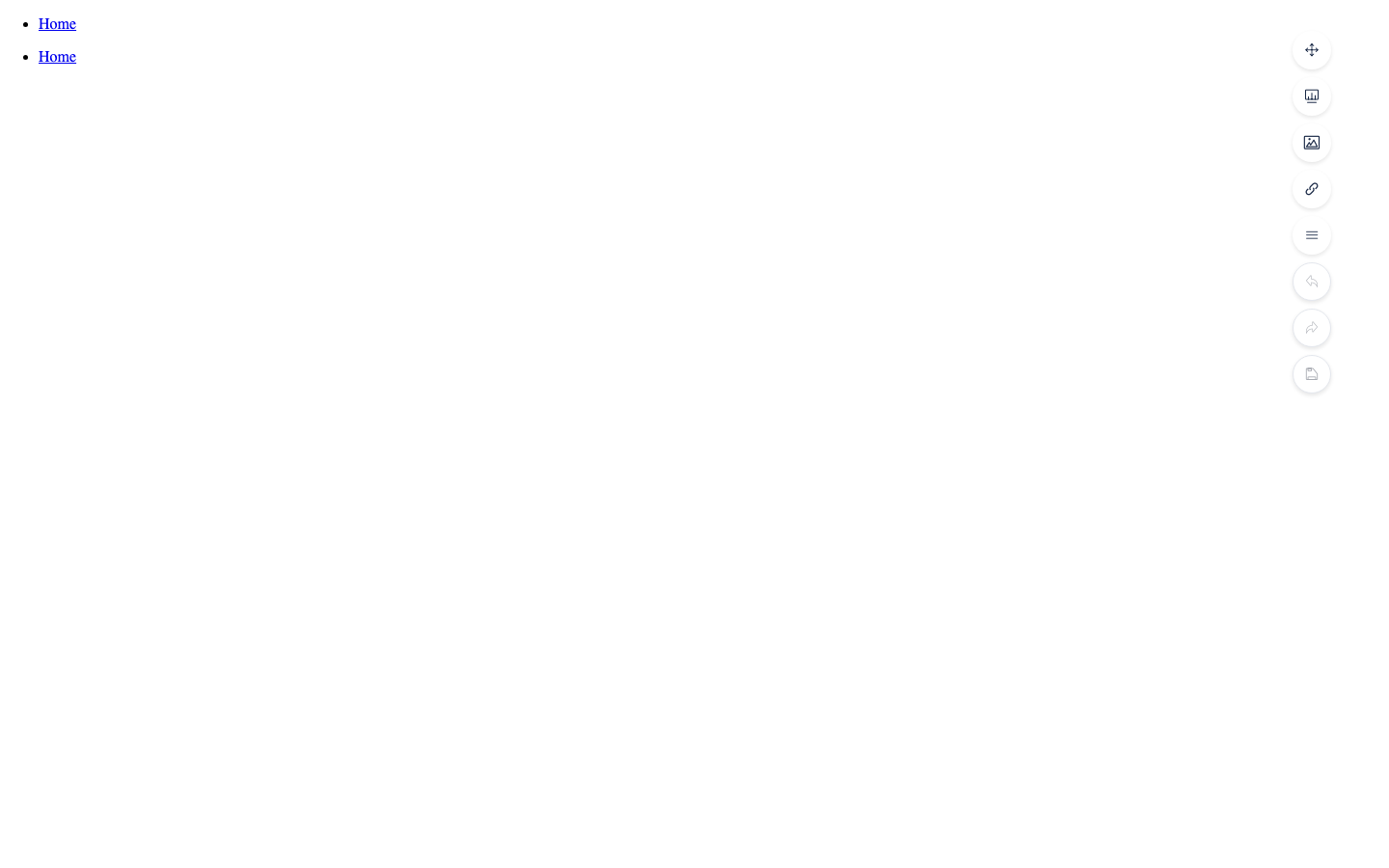
Interface
| Element | Description |
|---|---|
| Main screen | Site page preview (the same as visitors see, including published content) |
| Element highlight | Border shown when the mouse enters or selects it (DomBorder) |
| Right floating toolbar | Draggable: undo/redo, save, viewport width, global style/color/image/link/text, and more |
| Context menu | Shown according to the selected node type (edit text, image, link, component, content, repeater, etc.) |
| Text floating bar | Appears when text is selected: bold, color, link, image, and other quick actions |
The site's Inline Edit settings (inlineDesignSettings) can disable some global buttons such as color, image, and link, depending on your environment.
Common actions
Edit text
- Double-click or select a text area.
- Use the floating text toolbar or right-click Edit text.
- Confirm after editing; the change enters the undo stack.
Edit images and links
- Right-click the corresponding element, or choose image/link from the floating bar.
- Images can be selected from the Media library through the embedded media dialog.
- Links can be internal paths or external URLs.
Edit styles
- Right-click Edit style, or select an element and change CSS in the dialog.
- Design page types may provide a Global Style entry (the page icon on the floating toolbar).
Undo / Save
| Button | Description |
|---|---|
| Undo / Redo | Marked on the floating bar; some menus prompt you to save first when there are unsaved changes |
| Save | Available when there are changes; after saving, the preview refreshes in about 0.5 seconds to apply the result |
Saving writes DOM changes back to the server Page body.
Viewport width
The floating bar's screen size switches between common widths (desktop/tablet/phone) for responsive checks; it does not change the real URL.
Designer pages
If the page type is Designer, inline edit loads the visual page designer data, and the floating bar may add Global Style and similar items. For these pages, the main list entry is usually Design; inline edit is an additional preview-state entry.
Permissions and limits
- Requires the
pagesedit permission. - Complex structures (large amounts of script logic, dynamic lists) are often better edited in Edit Code.
- With unsaved undo history, some "apply immediately" CMS edits (such as Labels) may be blocked and prompt you to save first.
Related
| Doc | Description |
|---|---|
| Page settings | URL, publish, Meta |
| Edit code | Body source |
| Template Engine · Binding | Relationship between k-content and inline edit |