
Appearance
Code
Menu: Development → Code
Deep link:/_Admin/development/code?SiteId={siteGuid}
Manage site KScript / TypeScript code resources: API, CodeBlock, event handlers, page scripts, etc. Types come from the admin Code/CodeType API; tabs and list filter by type. Script logic and APIs: KScript API (e.g. k.site.codes).
Permissions
List and edit: code (view / edit / delete). API tab Settings (Swagger doc toggle) requires code·edit. Row Version requires site·log.
How to Open
- In Edit Menu, enable Development → Code.
- Open Development → Code in the left sidebar.
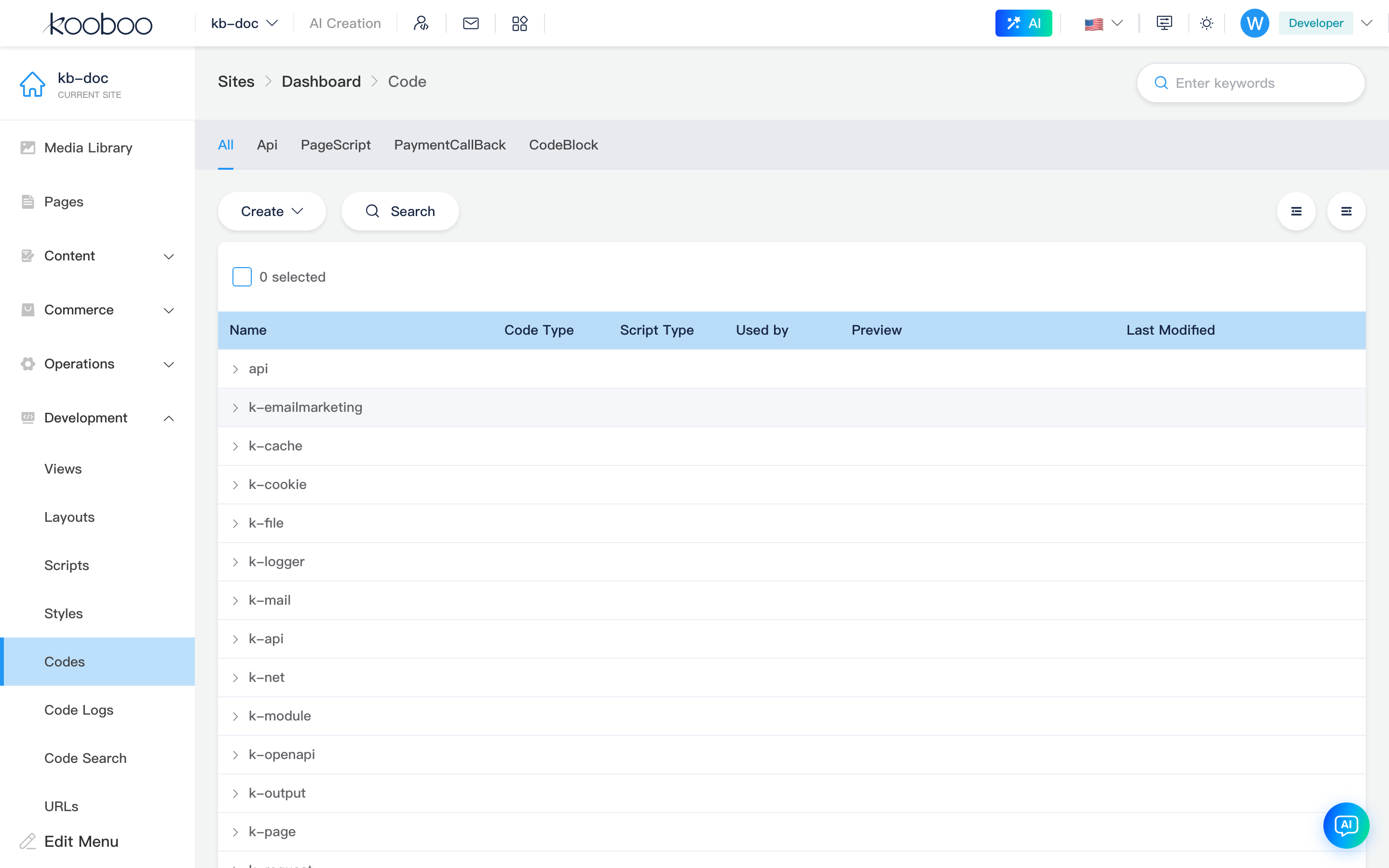
Page header
Breadcrumb Code; right Search filters by name or URL keyword (debounced). With folder hierarchy, search auto expands all to hit children.

Type tabs
| Tab | query name | Description |
|---|---|---|
| All | all (default) | All types; Create is a dropdown to pick a specific type |
| Each code type | e.g. api, codeblock, event… | That type only; Create is a single button labeled "Create {type}" |
Switching tabs updates URL name and clears current multi-select.

Toolbar
| Control | Permission | Description |
|---|---|---|
| Create | code·edit | All tab: dropdown picks type then edit code; type tab: create that type directly |
| Search | code·edit | Online package search (All, CodeBlock, etc. tabs) |
| Swagger | — | API tab only, when docs enabled in API settings; opens /_Admin/swagger in new tab |
| Settings | code·edit | API tab only; opens API settings dialog |
| Expand all / Collapse all | — | When list has folder hierarchy from URL paths |

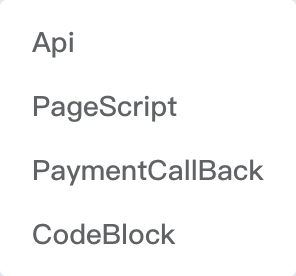
Create type dropdown
On All tab, click Create and choose type from dropdown (same options as type tabs).
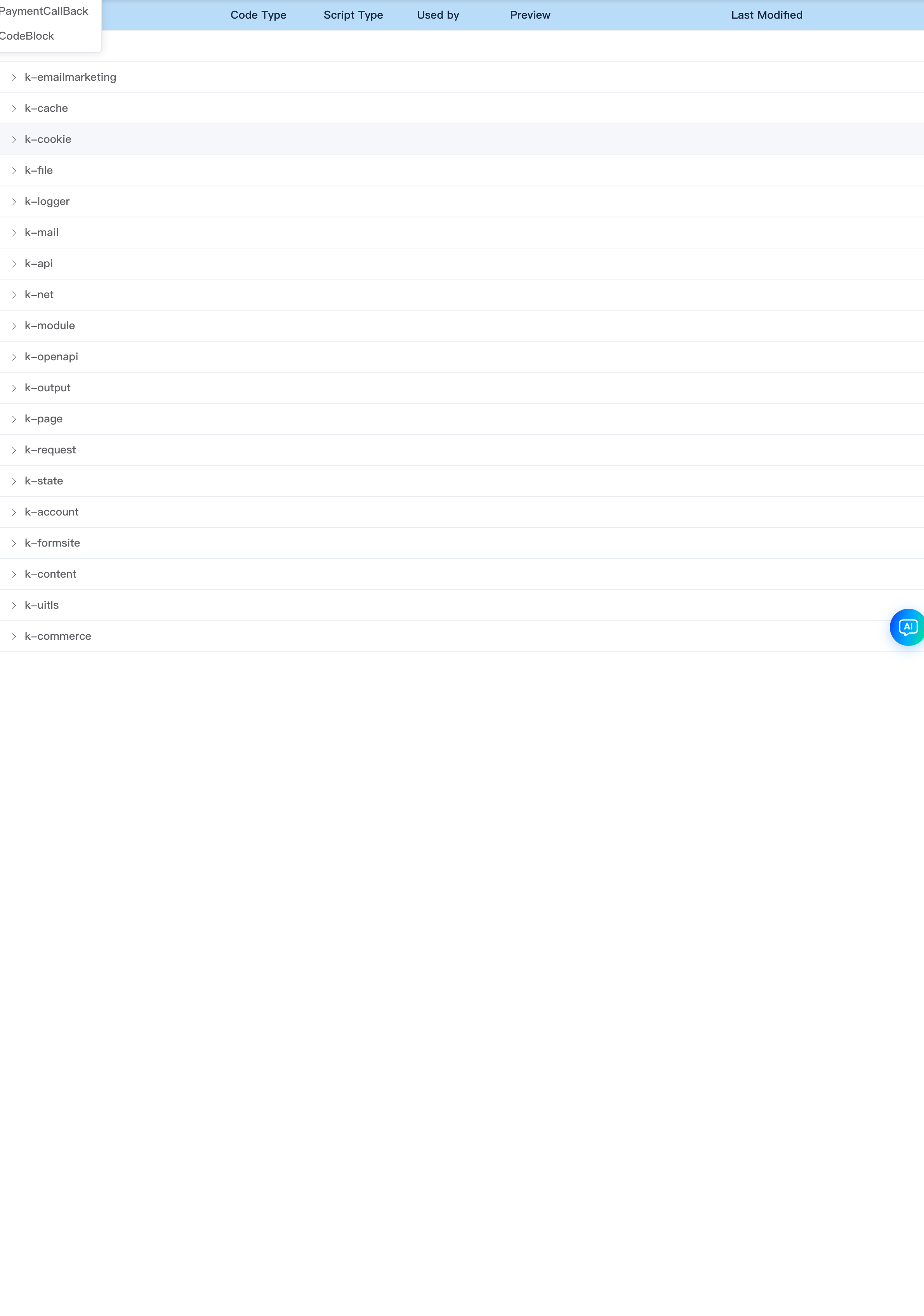
List table
Tree table: items with url paths show as folder rows (expand/collapse); leaves are concrete code entries.
| Column | Description |
|---|---|
| Name | Click to edit; row checkbox for batch delete |
| Code type | Type label (e.g. API, CodeBlock) |
| Script type | Classic / Module (hidden for some types, e.g. embedded PageScript, CodeBlock) |
| Referenced by | Reference relationships |
| Preview | Access path url, click to preview |
| Last modified | Save time |
| Version | Version history |
Supports multi-select Delete.
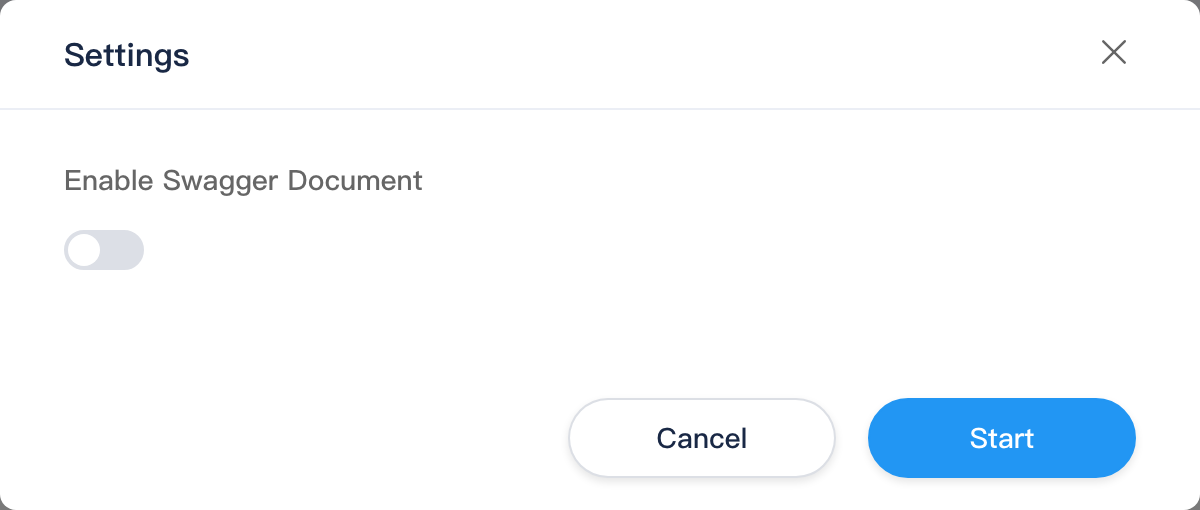
API settings dialog
On API tab, toolbar Settings:
| Item | Description |
|---|---|
| Enable Swagger documentation | Writes codeOpenApiSettings.enable; when on, shows Swagger button |
| Authentication | None / Cookie / Header |
| Token name | When not None (default jwt_token) |
Confirm button label is Start (saves site config).
Edit code
Path: /_Admin/development/code/edit?SiteId=... (new with type={CodeType}; edit with id)
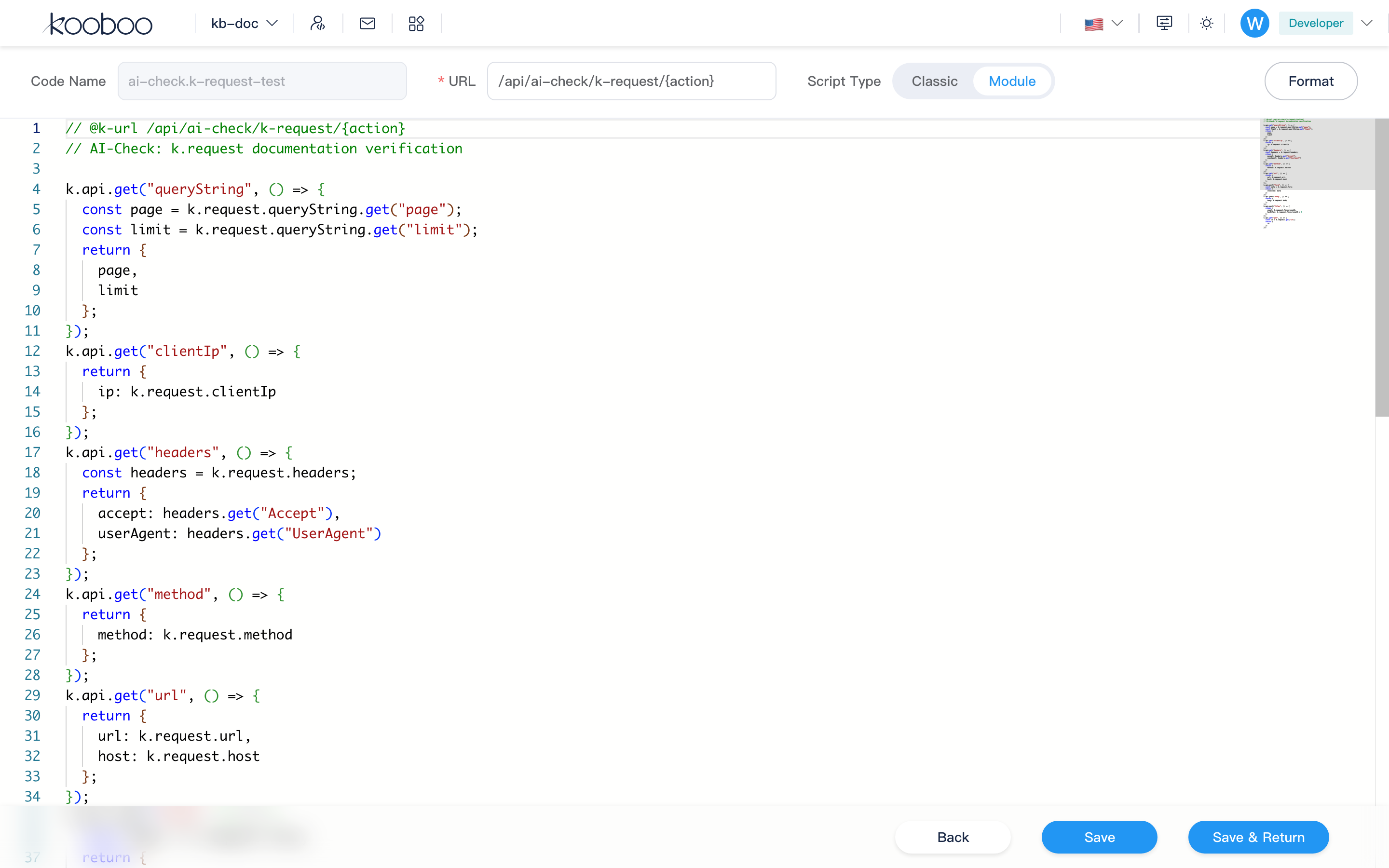
Header form
Fields vary slightly by code type:
| Field | Description |
|---|---|
| Code name | Required on create, unique (1–50 chars); cannot rename after save; rename may sync default url to /{name} |
| URL | Required for API type, interface route |
| Event type | Event type: pick event name from category dropdown (optional on create, locked after save) |
| Script type | Classic / Module (hidden for embedded PageScript, CodeBlock, etc.) |
| Format | Format editor content |

Code editor
- Language: TypeScript, supports KScript.
- API, CodeBlock, etc. support code references after save.
- Save / Save and return; unsaved leave prompts.
Encrypted code
If code is encrypted (isDecrypted), editor shows This code is encrypted and cannot be edited; footer only has Return.
Related
| Doc | Description |
|---|---|
| Development overview | Development menu index |
| Code log | Code runtime logs |
| Code search | Site-wide code search |
| KScript API | Script APIs |